Network Camera User’s Manual
31/63
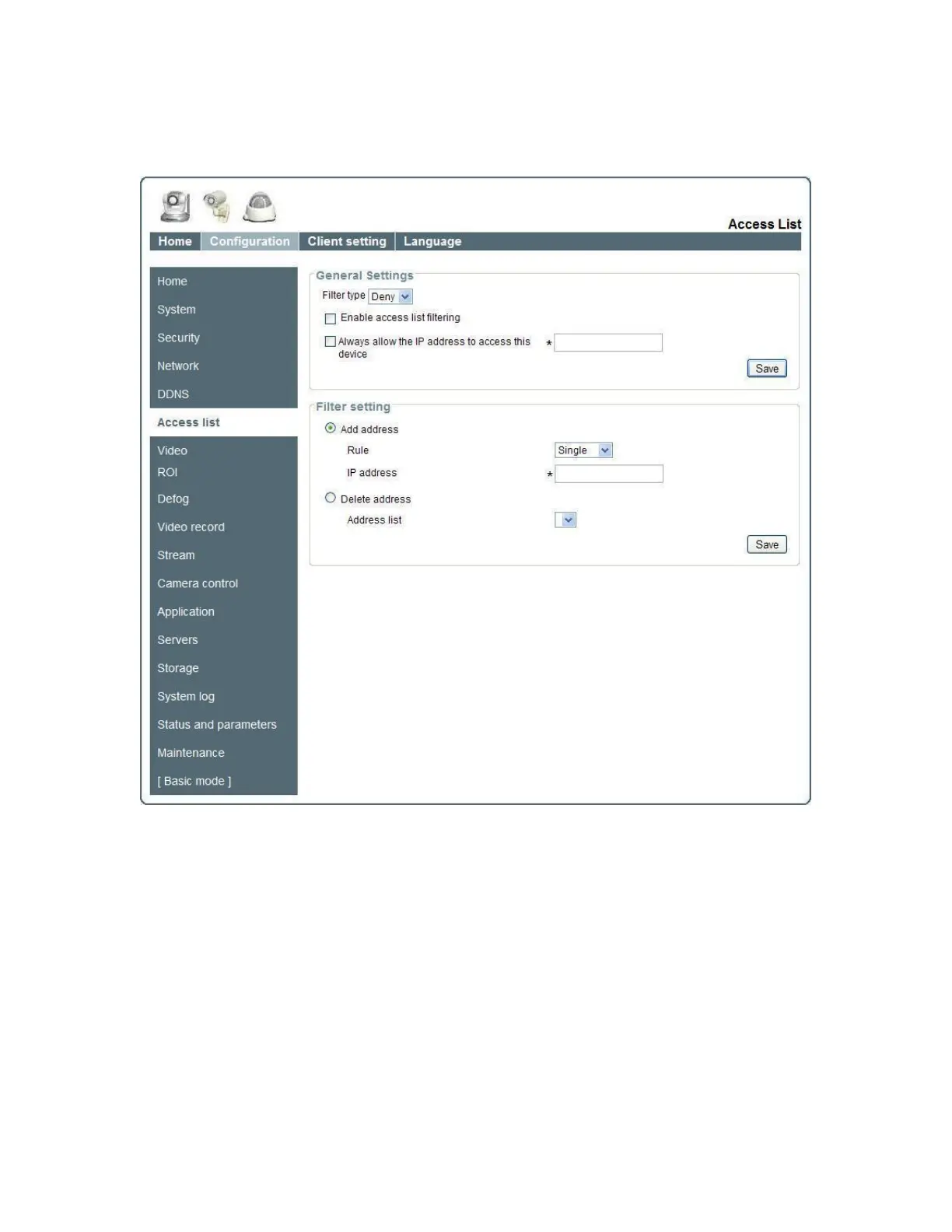
Access list
General Settings
“Filter type”: Provided to Allow or Deny mode.
“Always allow the IP address to access this device”: You can check this item
and add the Administrator’s IP address in this field to make sure the Administrator can
always connect to the device.
Filter setting
“Add a rule to configure an Allowed/Denied list”: Click ―Save‖ to add a rule to
Allowed/Denied list.
There are three types of rules for user to set up:
“Single” This rule allows the user to add an IP address to the Allowed/Denied list.
For example:















 To Next Page