Network Camera User’s Manual
33/63
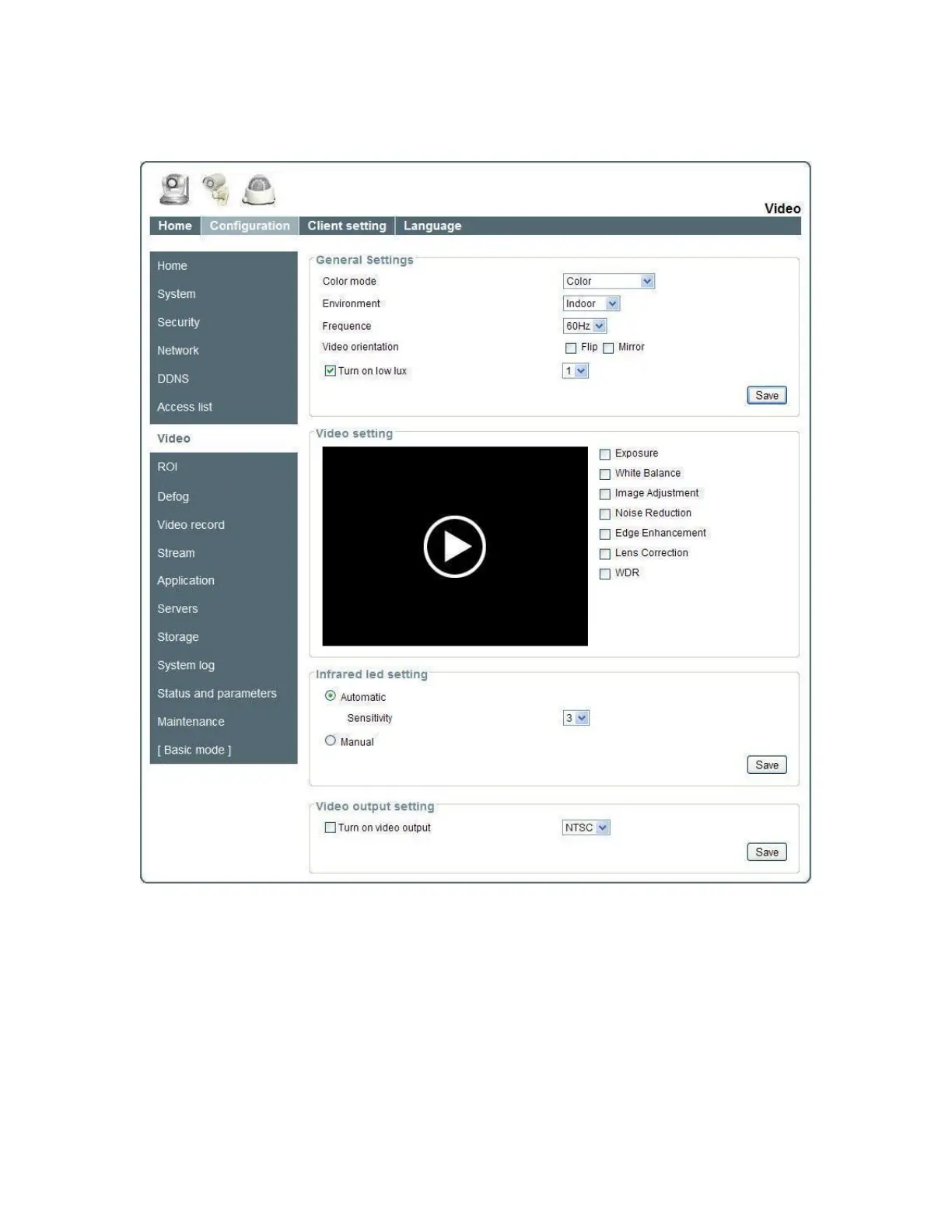
Video
General Setting
1. “Color mode” Select use color or monochrome video display.
2. “Environment” The orientation of video
(1) “indoor” This option is usually selected when the Network Camera is placed
in indoor environments.
(2) “outdoor” This option is usually selected when the Network Camera is placed
in outdoor environments.
3. “Frequence” Select 50 Hz or 60Hz power line frequency.
※The fluorescent light will flash according to the power line frequency that depends on















 To Next Page