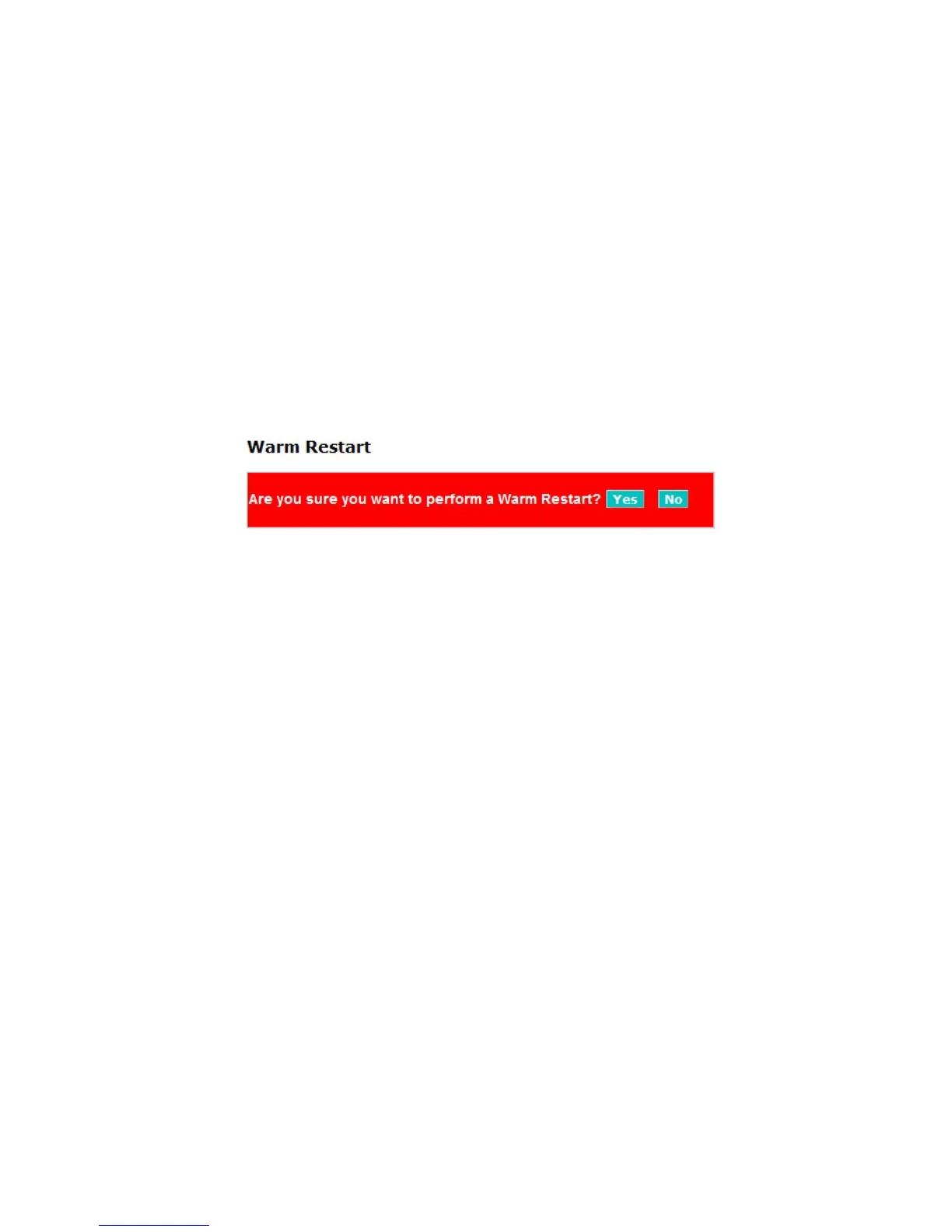
4-4-1. Warm Restart
Web Smart Switch offers many approaches to reboot your switch, such as:
power up, hardware reset and software reset. You can press RESET button in the
front panel of your switch to reset the device and to retrieve default settings
Function name:
. After
upgrading software, you have to reboot the device to have new configuration take
effect. The function being discussed here is software reset.
Warm Restart
Function description:
Reboot the switch. Reboot takes the same effect as the RESET button on the
front panel of the switch. Press <Yes> button to confirm warm restart function
and it will take around thirty (30) seconds to complete the system boot.
Fig. 4-28 Warm Restart













 To Next Page