23
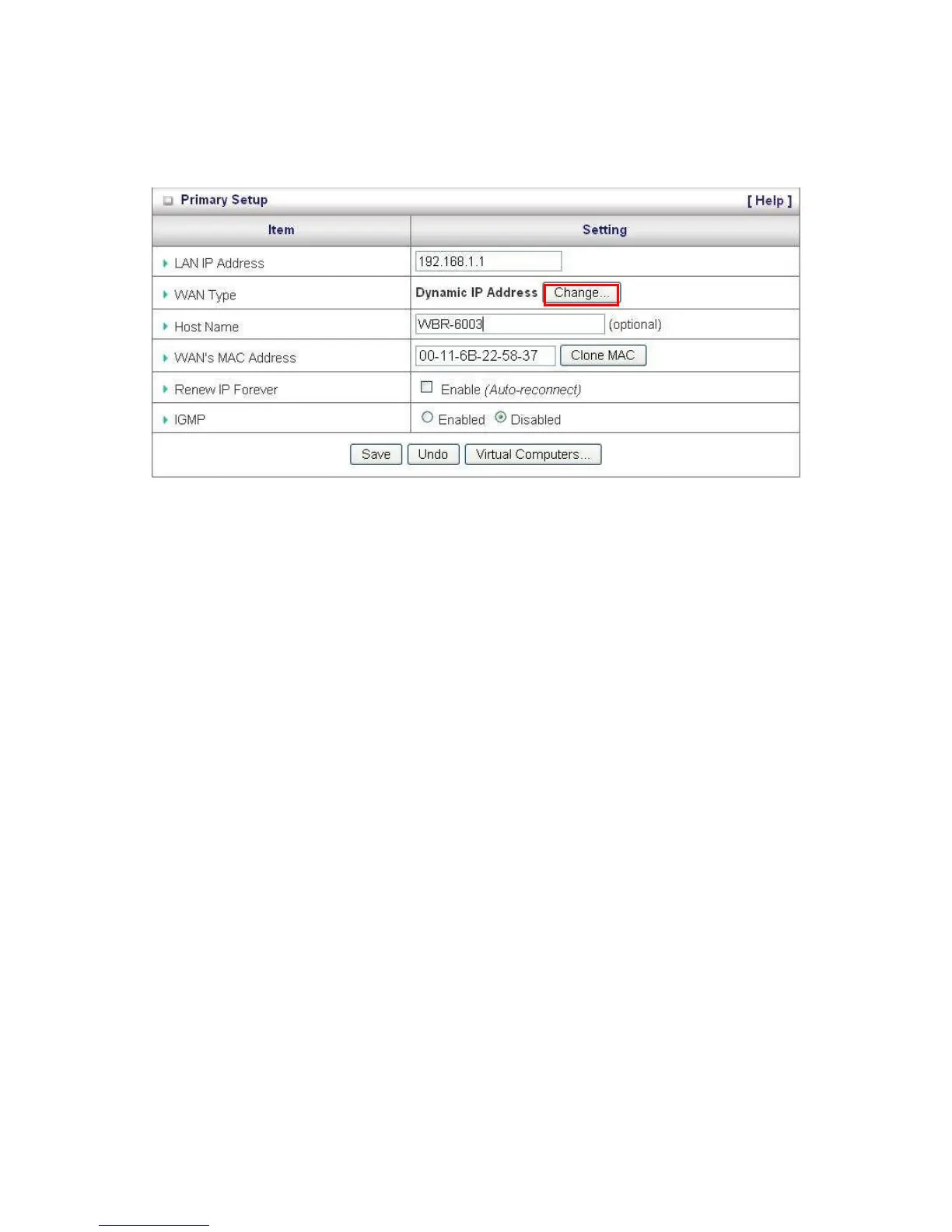
Primary Setup
This page lets you change the LAN (Local Area Network) settings on your WBR-6003 150Mbps N
Wireless Router and WAN (Wide Area Network) connection.
1. LAN IP Address: The local IP address of this device. The computers on your network must
use the LAN IP address of your product as their Default Gateway. You can change it if
necessary.
2. WAN Type: WAN connection type of your ISP. You can click the Change button to choose the
most suitable one from the following options:















 To Next Page