7
3. Hardware Installation
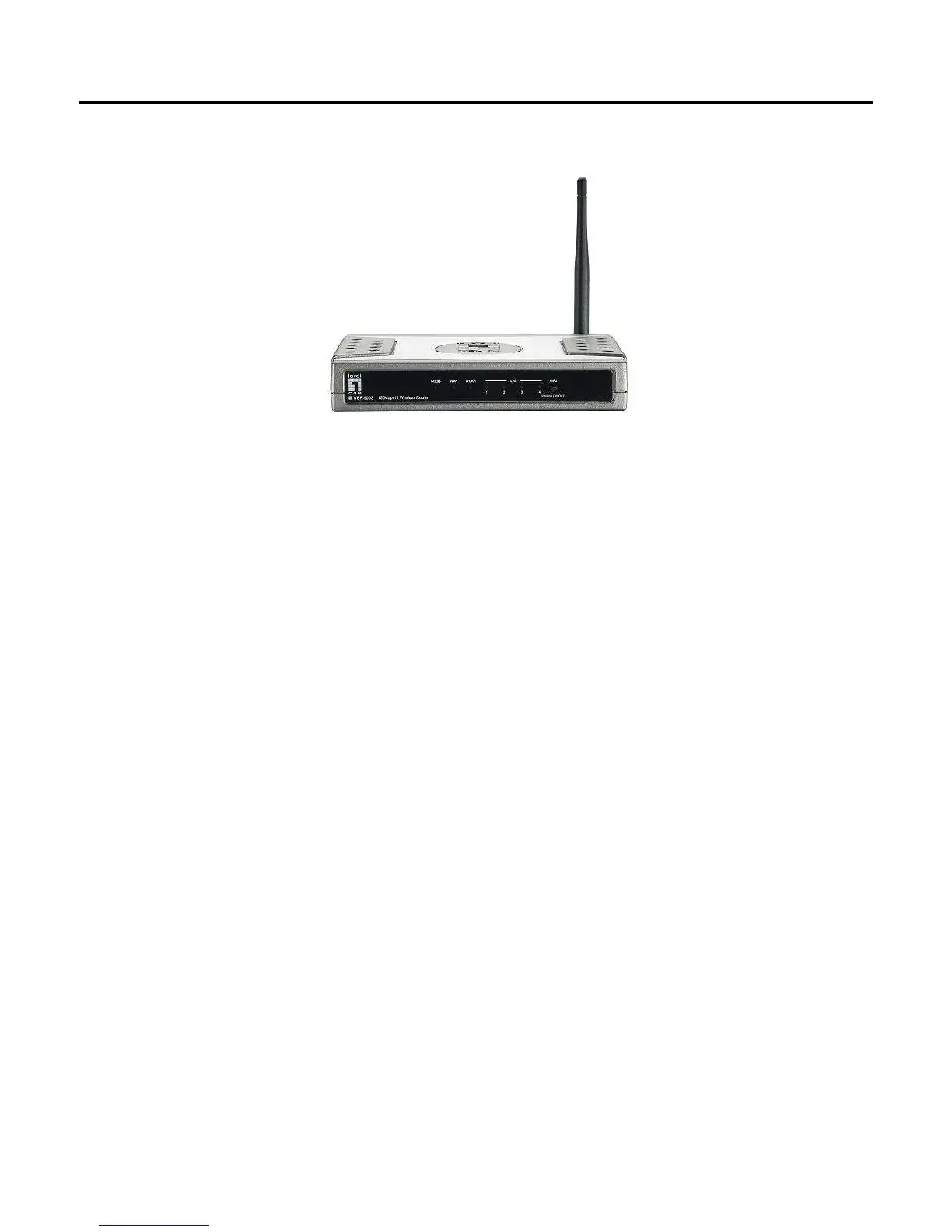
Front View
1) Status
• A steady blinking light indicates the device is ready
2) WAN
• A solid light indicates the WAN port is connected.
3) WLAN
• A solid light indicates the Wireless LAN is turned on and ready for use.
• Off indicates Wireless LAN is turned off.
• LED blinks during wireless data transmission.
• Steady blinking indicates WPS function is activated and the router is pairing with wireless client.
4) LAN Lights
• A solid light indicates to an Ethernet enable computer on ports 1 ~ 4.
• LED blinks during data transmission.
5) Wireless On/Off Button/ WPS Button
• Press and hold for 3 seconds to turn the Wireless LAN on or off.
• Please confirm WLAN status as indicated by WLAN Light
• It is also Wi-Fi Protected Setup push button. Press and hold for 1 seconds to activate WPS pairing
with wireless client when WLAN is on.















 To Next Page