8
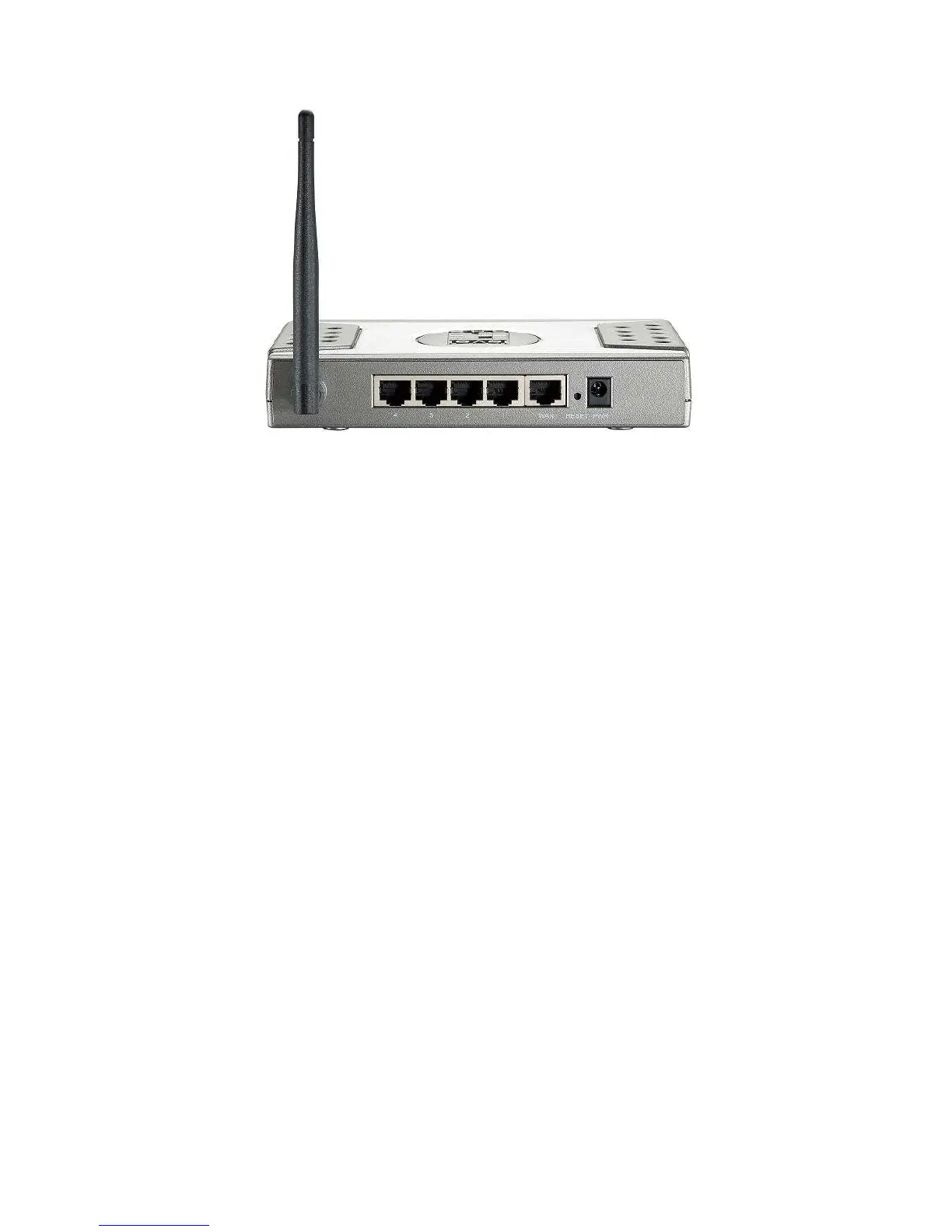
Rear View
1) Antenna
3dBi fix antenna allows users to have a wider range signal coverage.
2) LAN Ports (1~4)
Connect Ethernet devices such as computers, switches or hubs.
3) WAN Port
The WAN port is the connection for the Ethernet cable to the Cable or DSL Modem.
4) Reset Button
It allows user can
reset device to Factory Default setting
.
4) Power Jack
Receptor for the supplied power adapter















 To Next Page