43
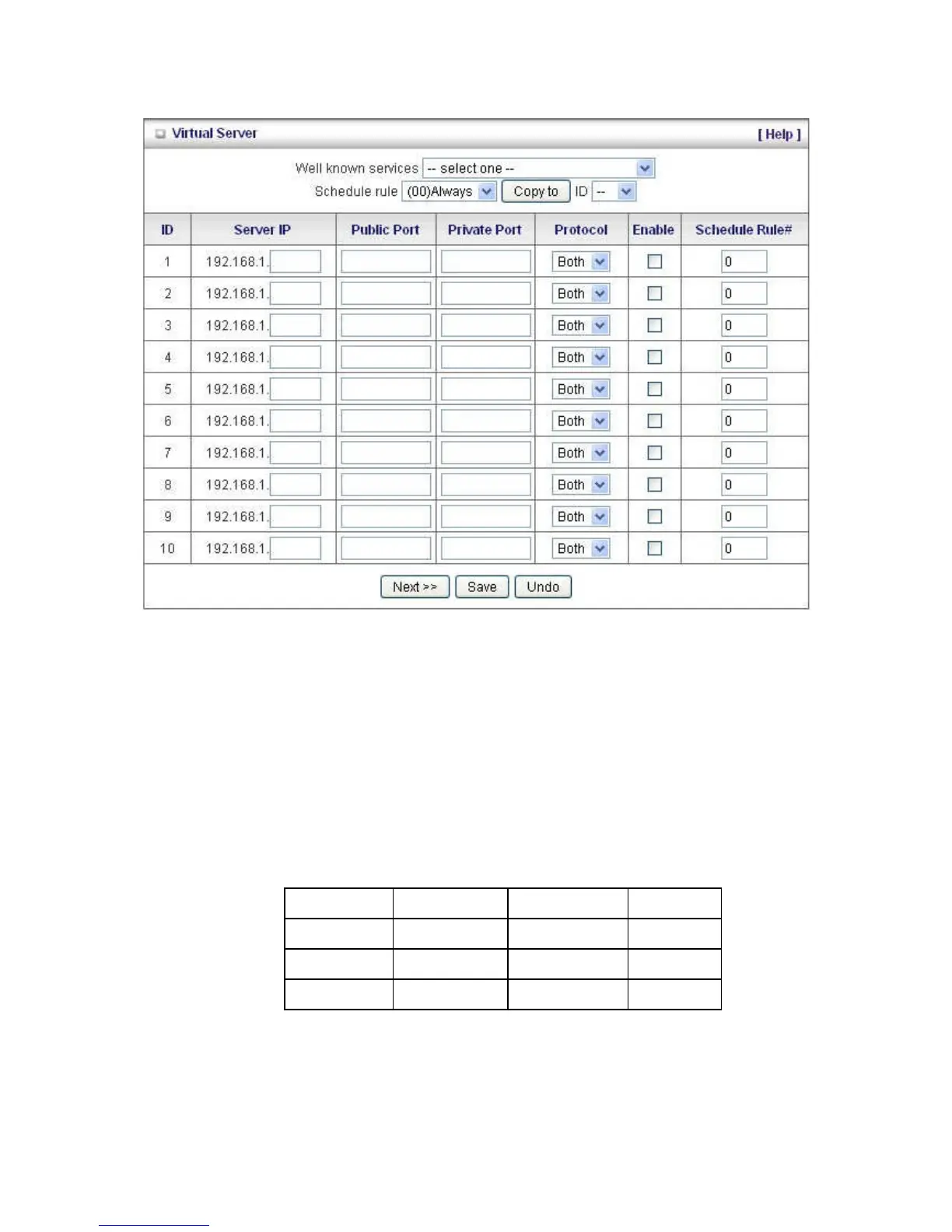
Virtual Server
A virtual server is defined as a Service Port, and all requests to this port will be redirected to the
computer specified by the Server IP. Virtual Server can work with Scheduling Rules, and give user
more flexibility on Access control. For Detail, please refer to Scheduling Rule (Advanced Setting >
Schedule Rule).
For example, if you have an FTP server (port 21) at 192.168.1.2, a Web server (port 80) at
192.168.1.3, and a VPN server at 192.168.1.6, then you need to specify the following virtual server
mapping table:
You can specify different ports to be used for Public and Private source and destinations.
Public Port















 To Next Page