Network Camera User’s Manual
21/54
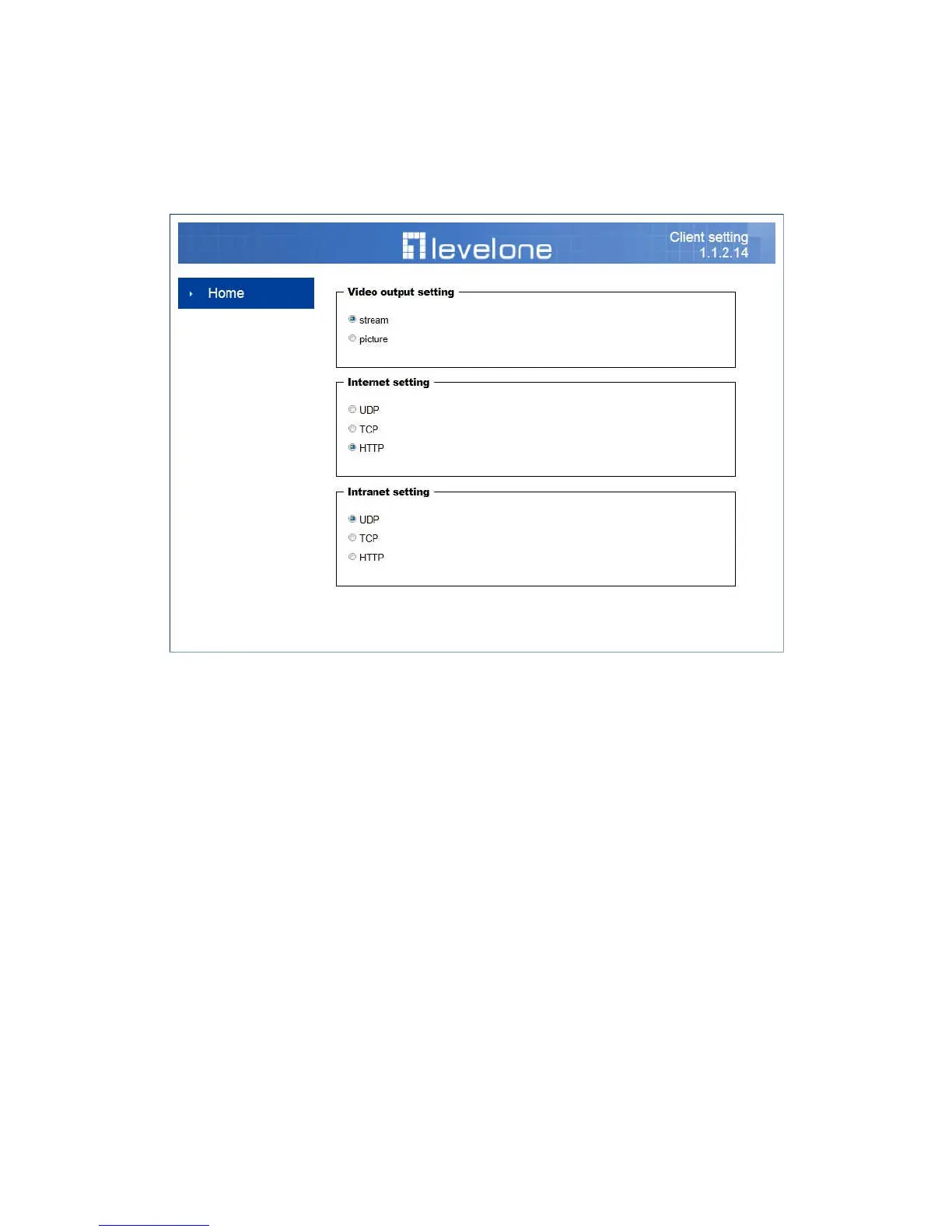
Client Setting
1. Video output setting: Set video output format.
- Stream: Select use multiple stream video.
- Picture: Select use serial video picture.
2. Internet Protocol Options: Set internet protocol.
- UDP: Select to use UDP protocol.
- TCP: Select to use TCP protocol.
- HTTP: Select to use HTTP protocol.
3. Intranet Protocol Options: Set intranet protocol.
- UDP: Select to use UDP protocol.
- TCP: Select to use TCP protocol.
- HTTP: Select to use HTTP protocol.
NOTE:
::
:Protocol options allow choices on the connection protocol between client
and server. There are three protocols choices to optimize your usage – UDP, TCP,
HTTP.
The UDP protocol allows for more real-time audio and video streams. However,
some packets may be lost due to network burst traffic and images may be
obscured.



 To Next Page