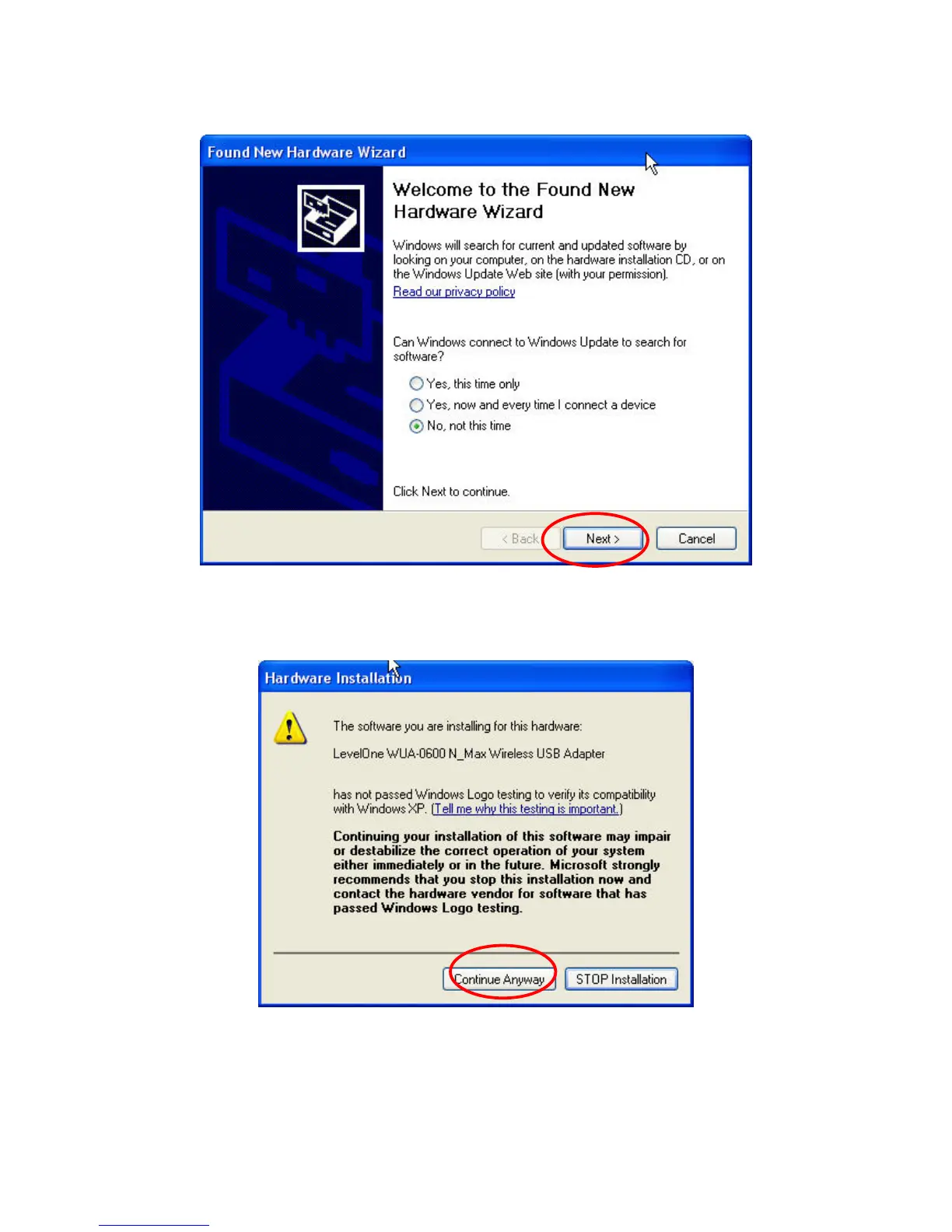
4. Insert the N_Max Wireless USB adapter into the USB port, the following screen will prompt, click
“Next” to continue.
5. Select “Install the software automatically (Recommended)” and click “Next” to continue.
6. The warning message will pop up, please select “Continue Anyway”
7. The software installation has now completed.
9















 To Next Page