Software Installation
This section will lead you to install the driver and utility of the N_Max Wireless USB Adapter.
Windows 2000/XP/Vista Utility Installation
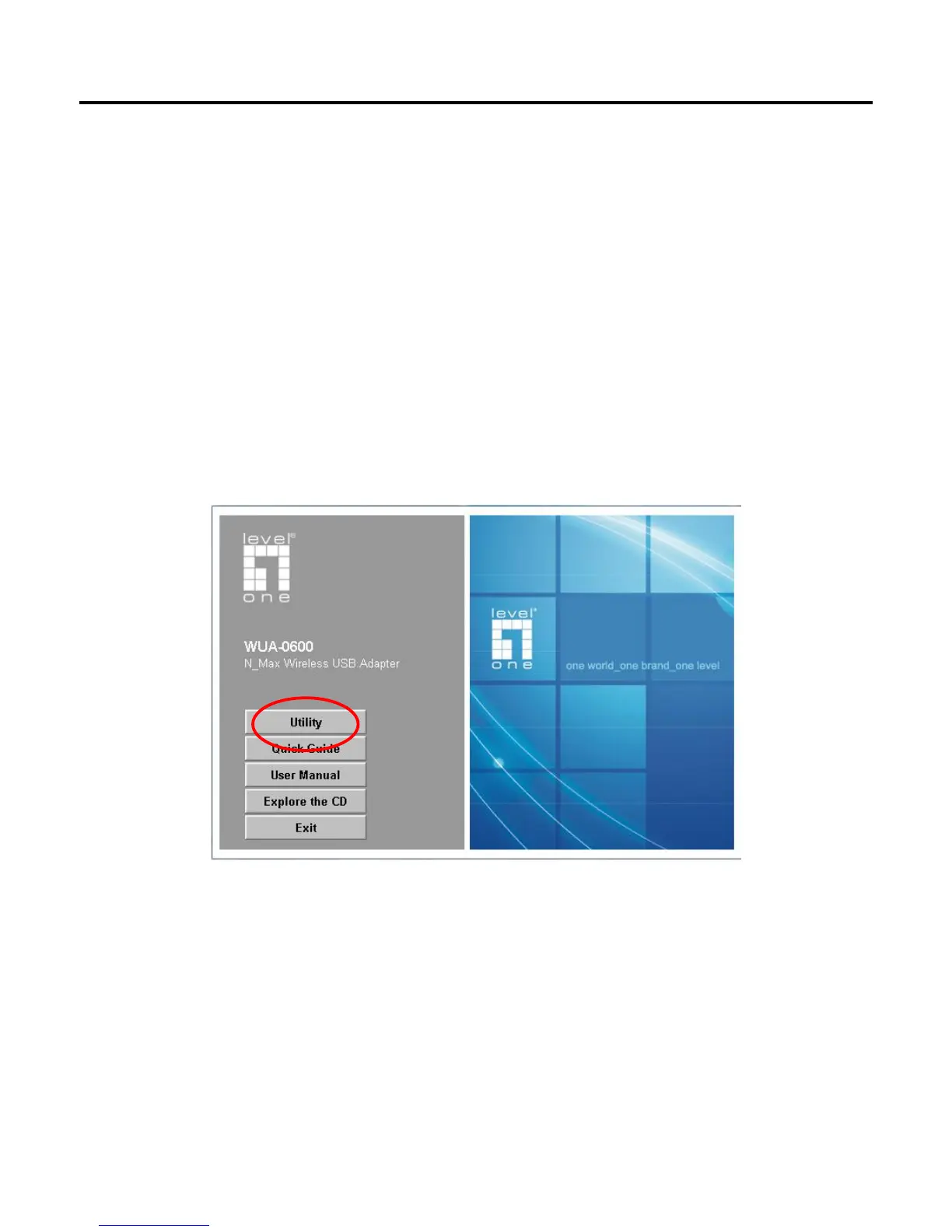
1. Insert the N_Max Wireless USB Adapter Utility CD into the computer and then the Auto-run
screen will appear. Alternatively, open a file browser and double click on the autorun.exe file
located in the CD directory.
2. Click “Utility” to install the driver and utility and the install wizard will begin installing the software.
Follow the install wizard instructions to complete the installation.
3. Follow the Install Shield Wizard Instructions. Click “Next” to continue and follow the on-screen
instruction to finish it.















 To Next Page