Wireless Utility Configuration
Profile
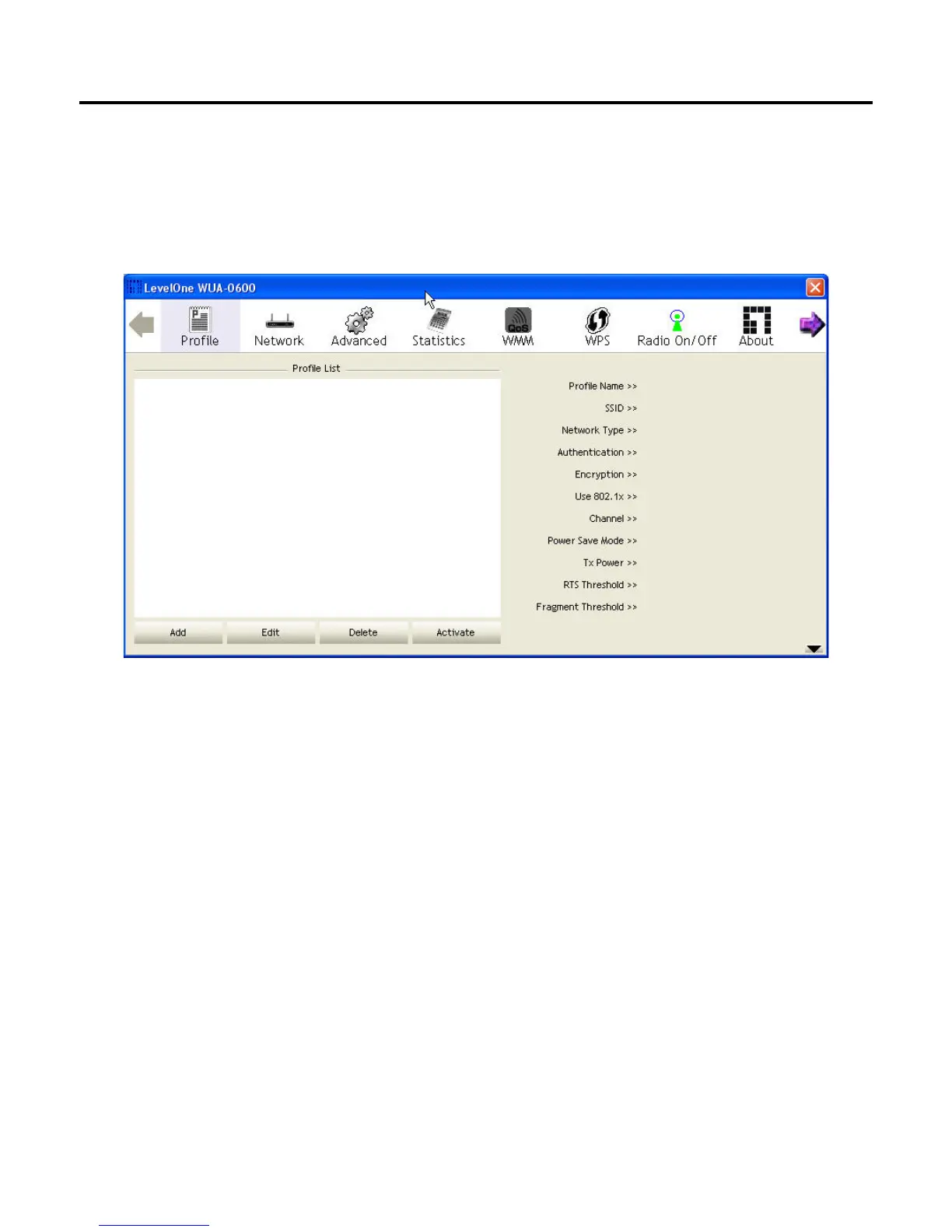
The profile settings page allows you to set and save different wireless settings. You can activate the
suitable profile according to the environment where the wireless connection is used.
To add a profile, click the Add button and configure the following displayed items: System
Configure: Configure the wireless network.
Profile Name: The name of the profile; 0-32 ASCII characters and symbols are allowed; no spaces
can be used.
SSID: Select the SSID (Service Set Identity) name of the wireless network to which the client will
connect.
Network Type: Wireless network type. The default setting is Infrastructure mode.
Ad hoc: An ad hoc wireless LAN is a group of computers each with wireless adapters, connected as
an independent wireless LAN. Select Ad hoc to associate to a peer computer.















 To Next Page