Hardware Installation
Installation Procedure for USB Adapter
You should install the supplied software BEFORE inserting the Wireless USB Adapter when using
Windows 2000, XP or Vista.
Note
The following installation was operated under Windows XP. (Procedures are
similar for Windows 2000.)
If you have installed the Wireless Adapter driver & utility before, please uninstall
the old version first.
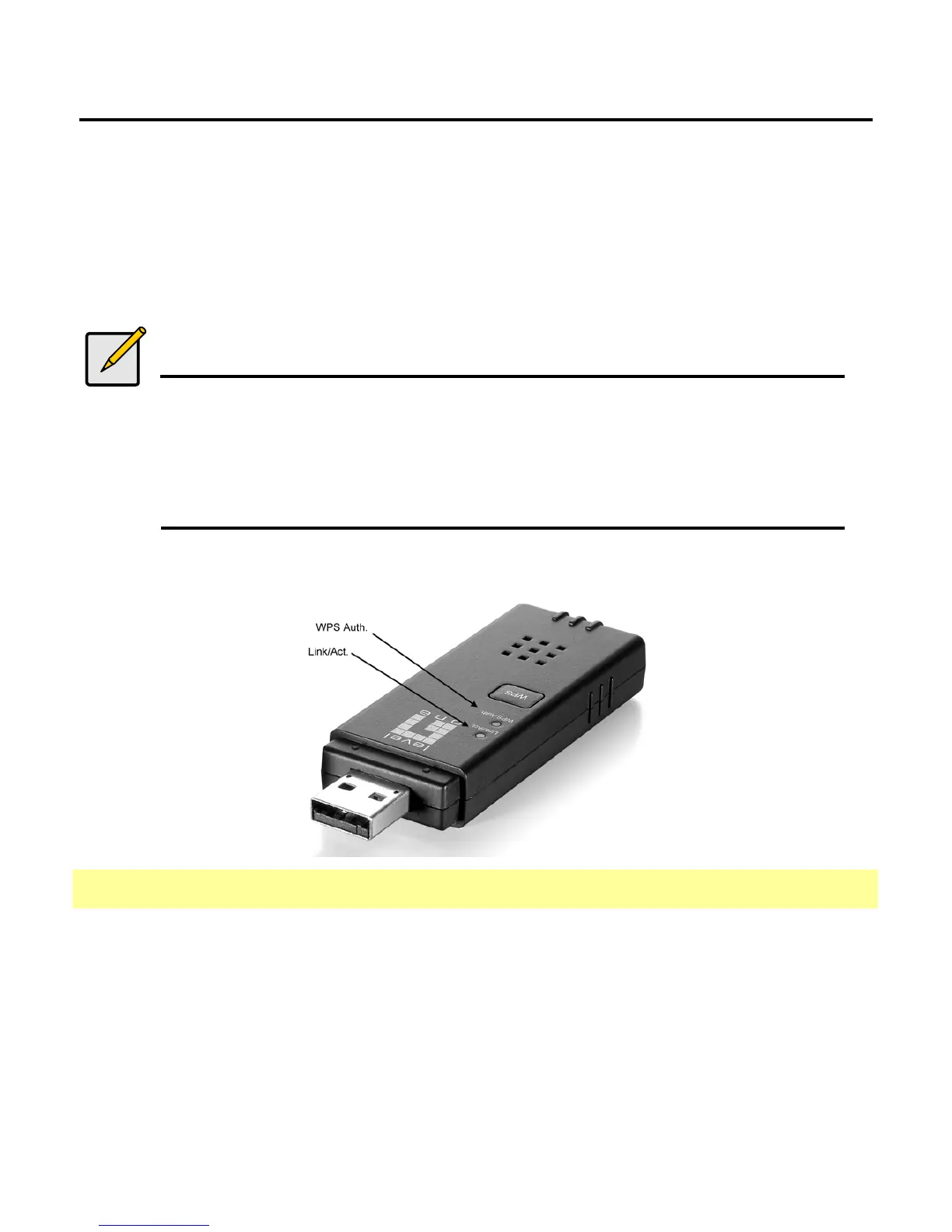
LED Indicator
LED Status Description
ON/Flashing Indicates the power is on, and the 802.11b/g/n radio is enabled.
Flashing indicates wireless network activity.
Link/Act.
Off Indicates the power is off, or the 802.11b/g/n radio is disabled
ON Indicates the WPS button is pressed, and WPS authentication is in
progress.
WPS Auth.
Off Indicates WPS authentication is not in progress.















 To Next Page