Advanced
The Advanced page allows you to configure extended features for the wireless network.
The displayed items on this page can be described as follows:
Wireless Mode: Select 802.11 B/G/N mix or 802.11 B/G mix as the wireless mode.
Enable TX Burst: Enable the option to accelerate the data transmit rate.
Enable TCP Window Size: Adjust TCP window size automatically for better performance.
Fast Roaming: Enable fast roaming at the specified receive power threshold.
Show Authentication Status Dialog: Display the status of 802.1X authentication.
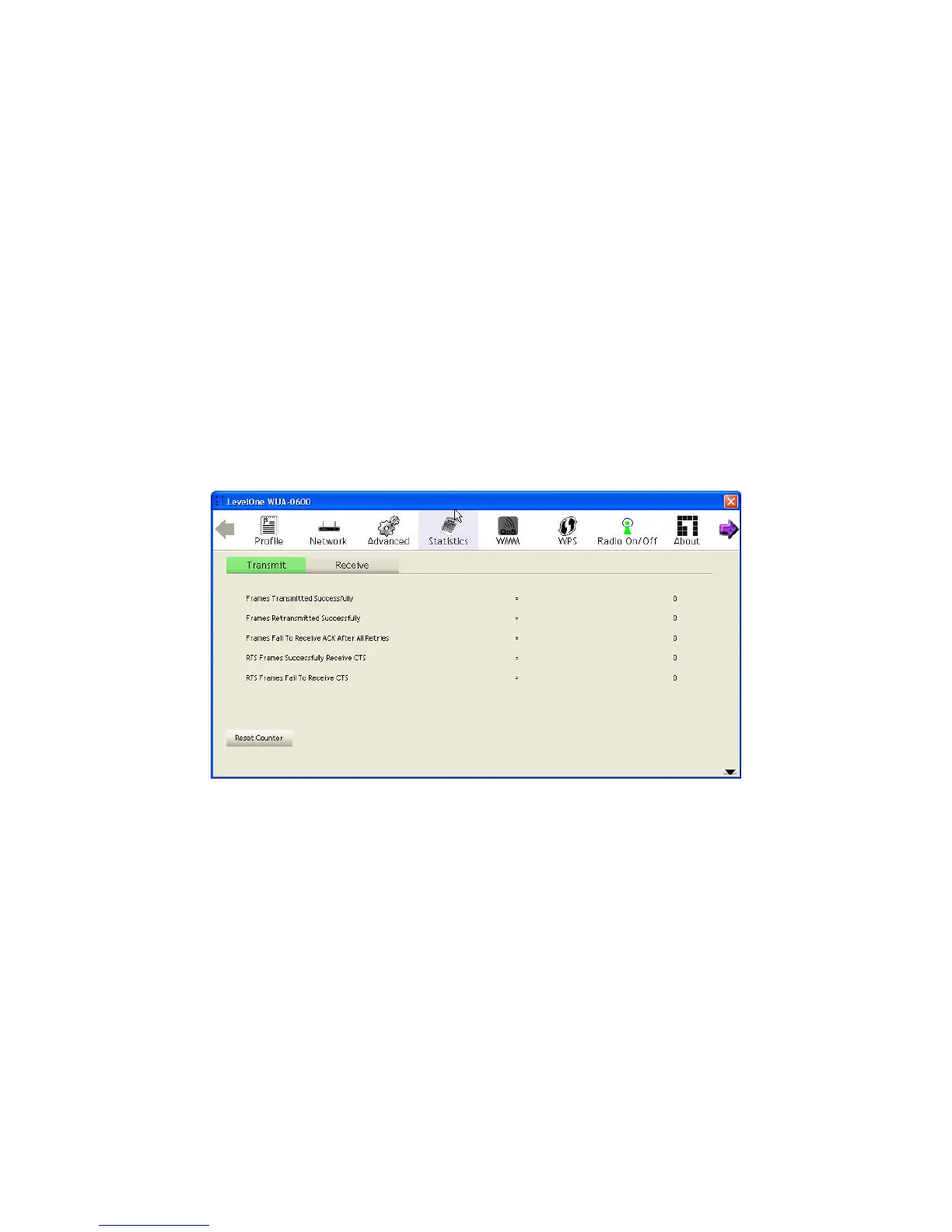
Statistics
The statistics page displays the connected-related statistics with detail counter information. Click
Reset Counter to reset all the items back to 0
20















 To Next Page