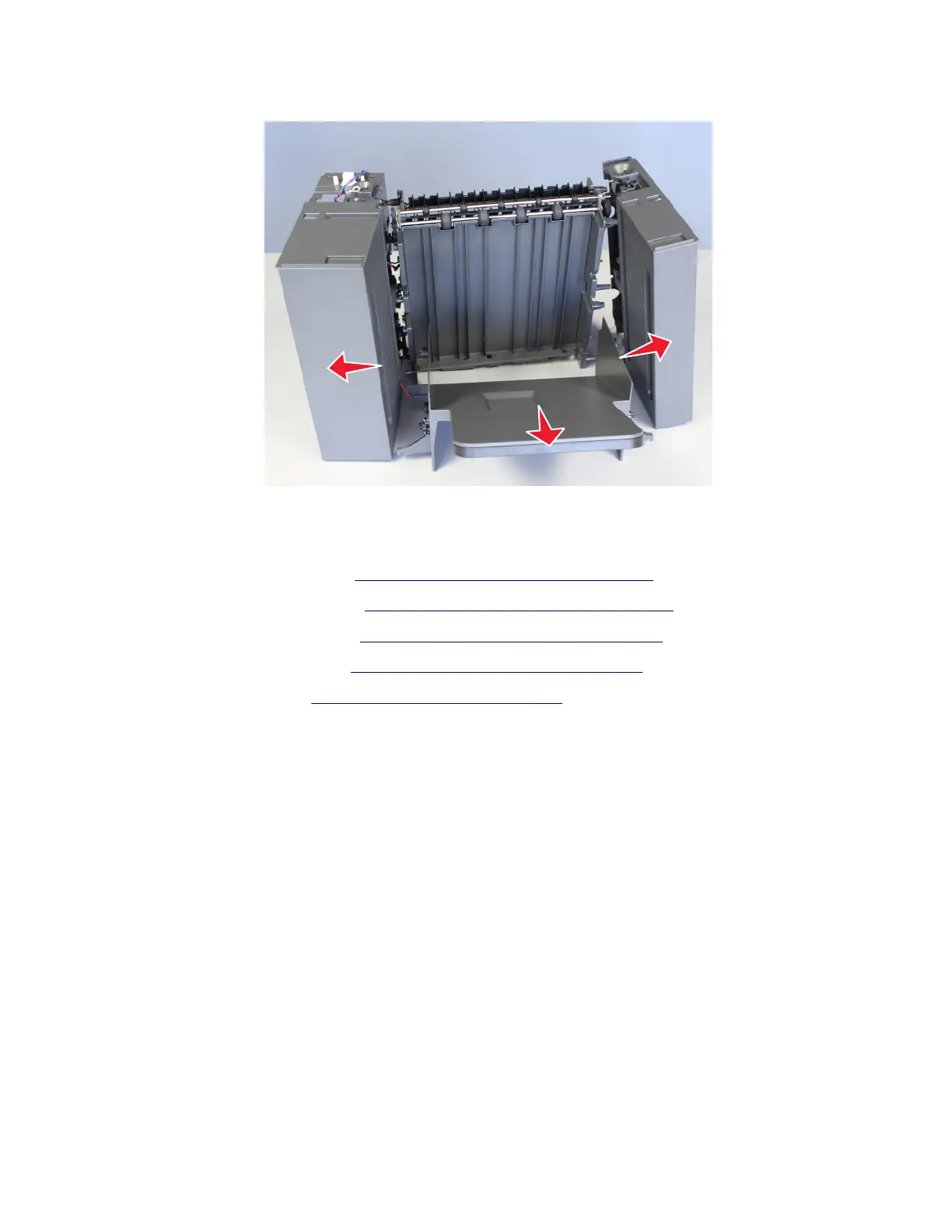
9 Release the bin from the right and left frames, and then remove it.
Sensor (HCOE pass‑through) removal
1 Remove the HCOE left cover. See “HCOE left cover removal” on page 550.
2 Remove the HCOE right cover. See “HCOE right cover removal” on page 549.
3 Remove the HCOE bin pinion. See “HCOE bin pinion removal” on page 558.
4 Remove the HCOE bin shaft. See “HCOE bin shaft removal” on page 574.
5 Remove the HCOE bin. See “HCOE bin removal” on page 575.
6 Disconnect the sensor cable J3 from the controller board.
4064
Parts removal
578






 To Next Page