Paper jam in the automatic document feeder
1 Remove all original documents from the ADF tray.
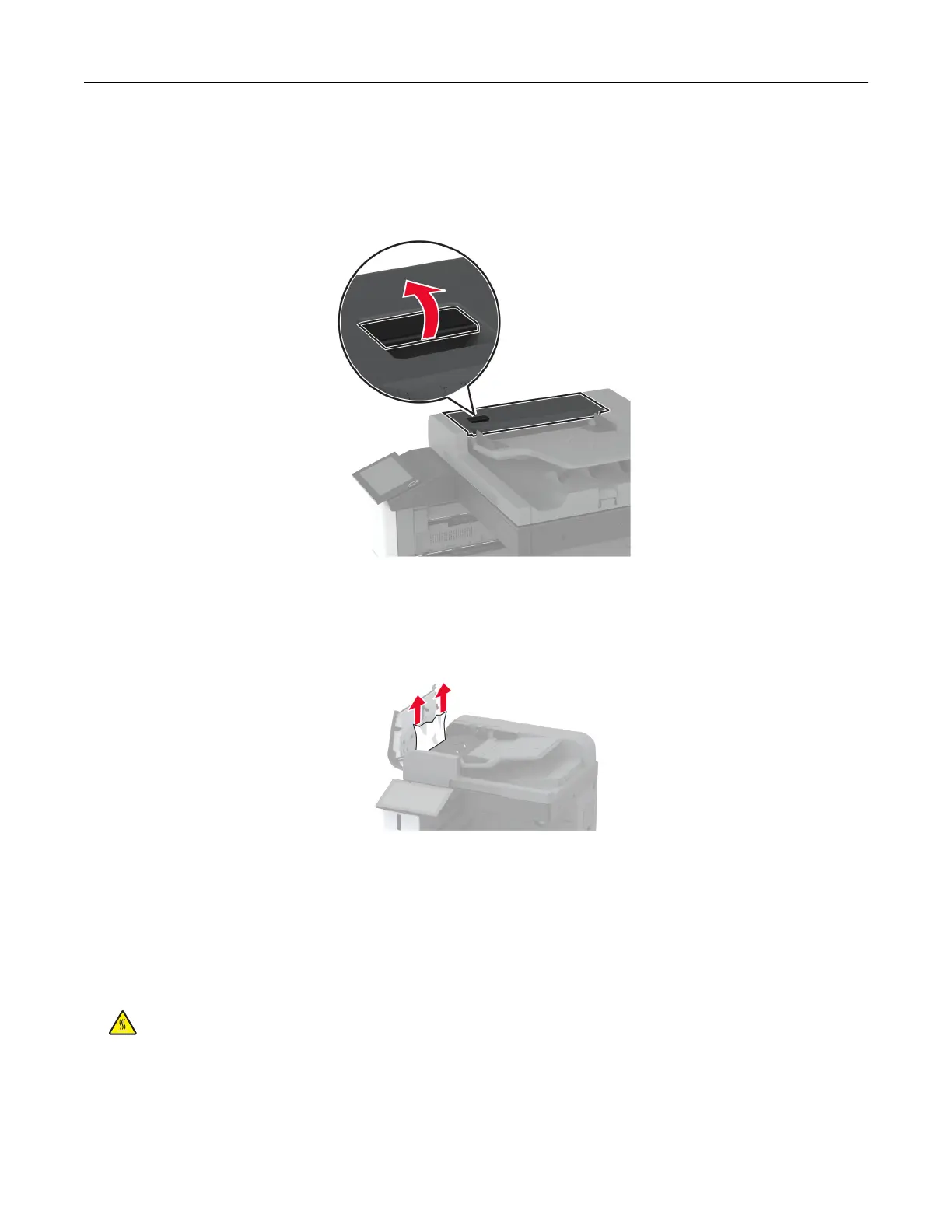
2 Open the ADF cover.
3 Remove the jammed paper.
Note: Make sure that all paper fragments are removed.
4 Close the ADF cover.
Paper jam in the staple finisher
1 Open door A.
CAUTION—HOT SURFACE: The inside of the printer might be hot. To reduce the risk of injury from a
hot component, allow the surface to cool before touching it.
Troubleshoot a problem 386



 To Next Page