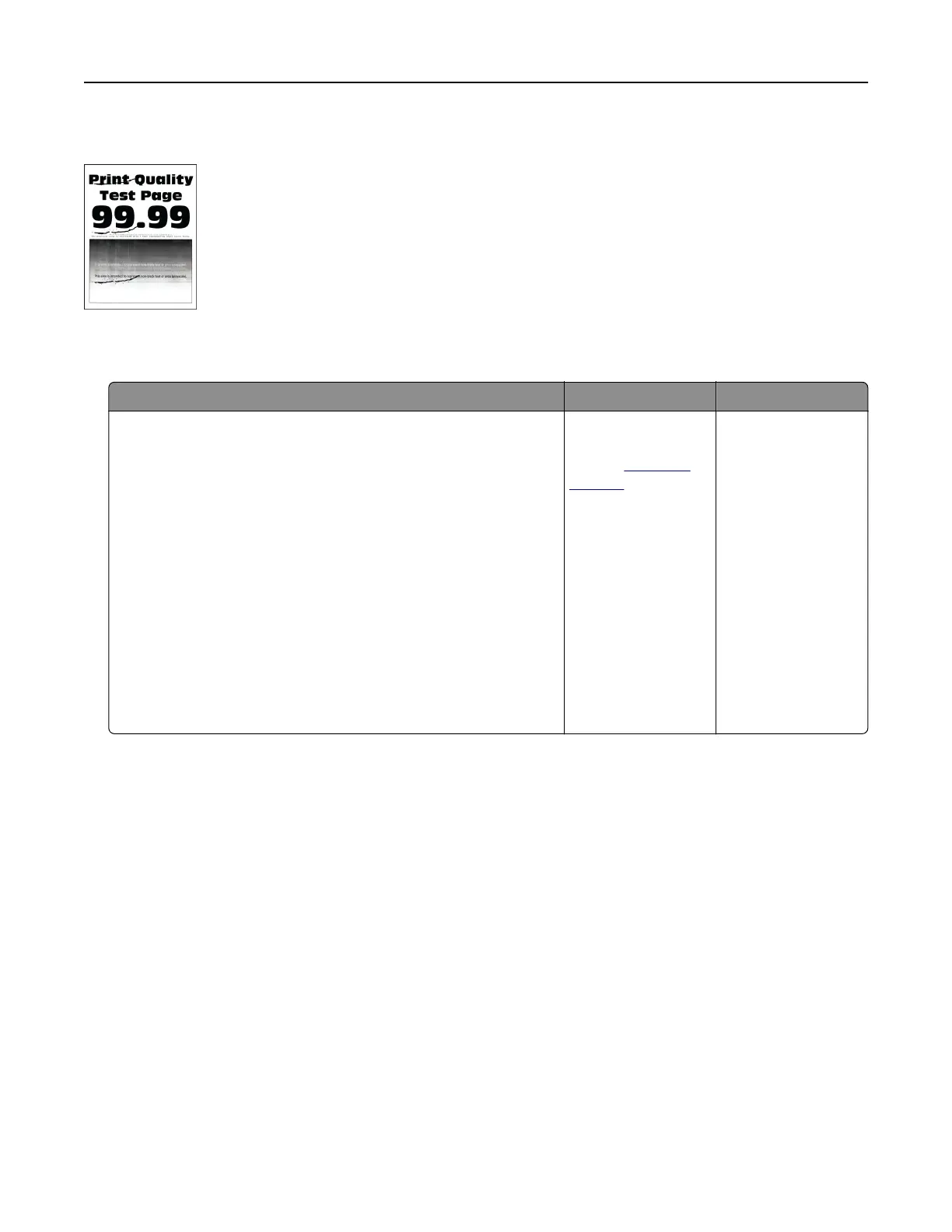
Repeating defects
Note: Before solving the problem, print the Print Quality Test Pages. From the home screen, touch Settings >
Troubleshooting > Print Quality Test Pages.
Action Yes No
Step 1
a Using the Maintenance Defect Ruler page, measure the
distance between the repeating defects on the aected color
page.
b Replace the supply item that matches the measurement on the
aected color page.
Photoconductor unit
• 94.6 mm (3.72 in.)
• 37.7 mm (1.48 in.)
Developer unit
• 32.7 mm (1.29 in.)
c Print the Print Quality Test Pages.
Do the defects still appear?
Take note of the
distance, and then
contact
customer
support or your
service
representative.
The problem is
solved.
Troubleshoot a problem 437



 To Next Page