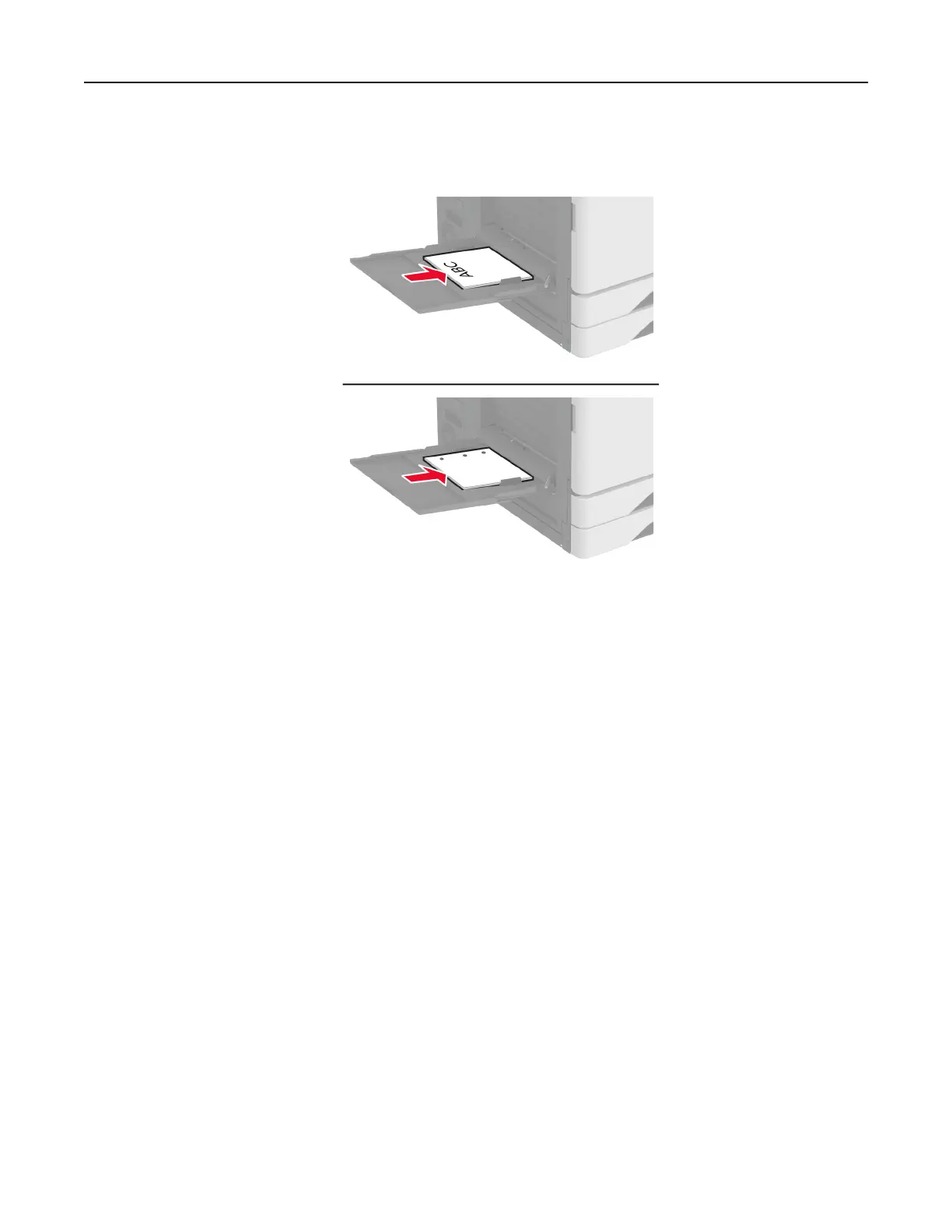
• For two-sided printing, load letterhead faceup with the header to the left side of the paper. Load
prepunched paper faceup with the holes toward the back of the printer.
Note: When a finisher is installed, the printer rotates the images to 180°.
Linking trays
1 From the home screen, touch Settings > Paper > Tray Configuration > select a paper source.
2 Set the same paper size and paper type for the trays that you are linking.
3 From the home screen, touch Settings > Device > Maintenance > Configuration Menu > Tray Configuration
> Tray Linking.
4 Tou ch Automatic.
To unlink trays, make sure that no trays have the same paper size and paper type settings.
Warning—Potential Damage: The temperature of the fuser varies according to the specified paper type. To
avoid printing issues, match the paper type setting in the printer with the paper loaded in the tray.
Installing and updating software, drivers, and firmware
Installing the printer software
Notes:
• The print driver is included in the software installer package.
Set up, install, and configure 77



 To Next Page