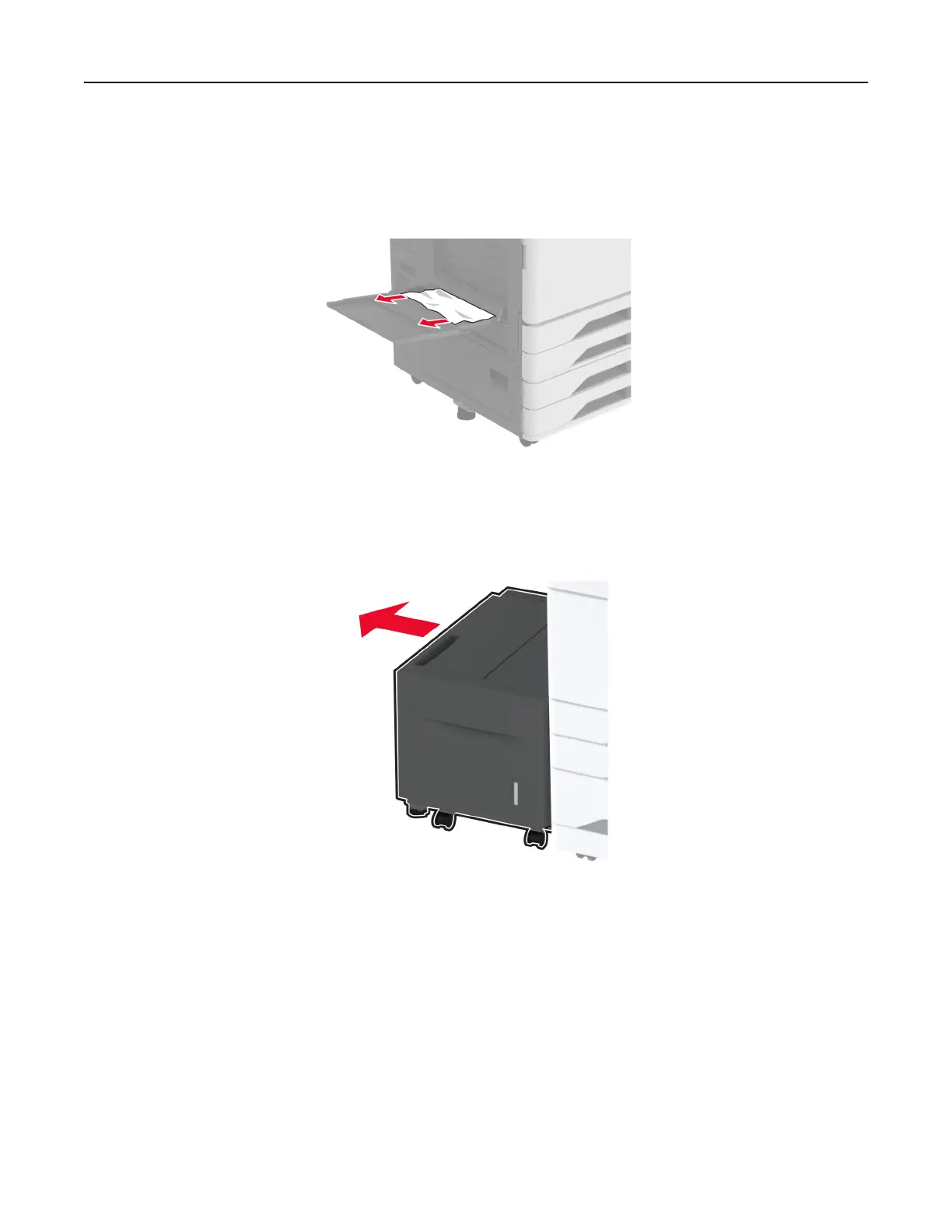
Paper jam in the multipurpose feeder
Remove the jammed paper.
Note: Make sure that all paper fragments are removed.
Paper jam in the 2000‑sheet tray
1 Slide the tray to the left.
2 Open door J, and then remove the jammed paper.
Note: Make sure that all paper fragments are removed.
Troubleshoot a problem 453



 To Next Page