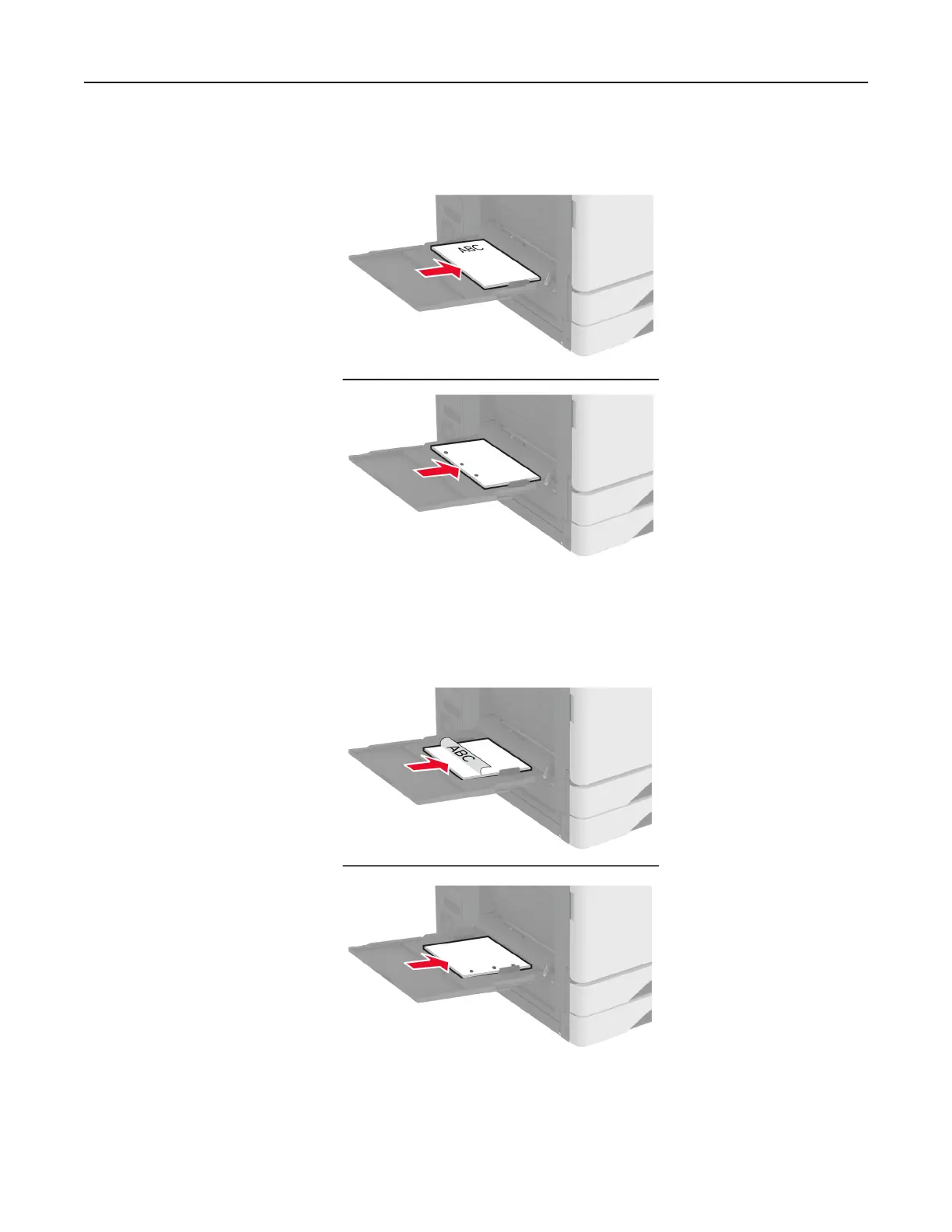
• For two-sided printing, load letterhead faceup with the header toward the rear of the printer. Load
prepunched paper faceup with the holes to the left side of the paper.
For short-edge feed:
•
For one-sided printing, load letterhead facedown with the header to the left side of the paper. Load
prepunched paper facedown with the holes toward the front of the printer.
Set up, install, and configure 76



 To Next Page