[x]‑page jam, open front door. [20y.xx]
CAUTION—HOT SURFACE: The inside of the printer might be hot. To reduce the risk of injury from a hot
component, allow the surface to cool before touching it.
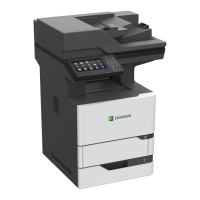
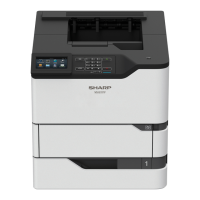
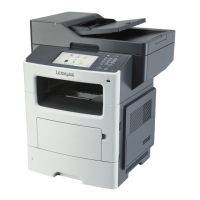
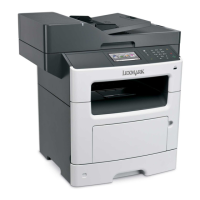
1 Press the button on the right side of the printer, and then open the front door.
2 Pull the toner cartridge out using the handle.
Clearing jams 172







 To Next Page


