STARTING AND DRIVING
259
The multi–information display will return to the
vehicle–to–vehicle distance screen about 6 seconds after the
vehicle–to–vehicle distance screen has been changed to
another screen.
CAUTION
To avoid accidentally engaging the cruise control, keep
the main switch off when not using the dynamic laser
cruise control.
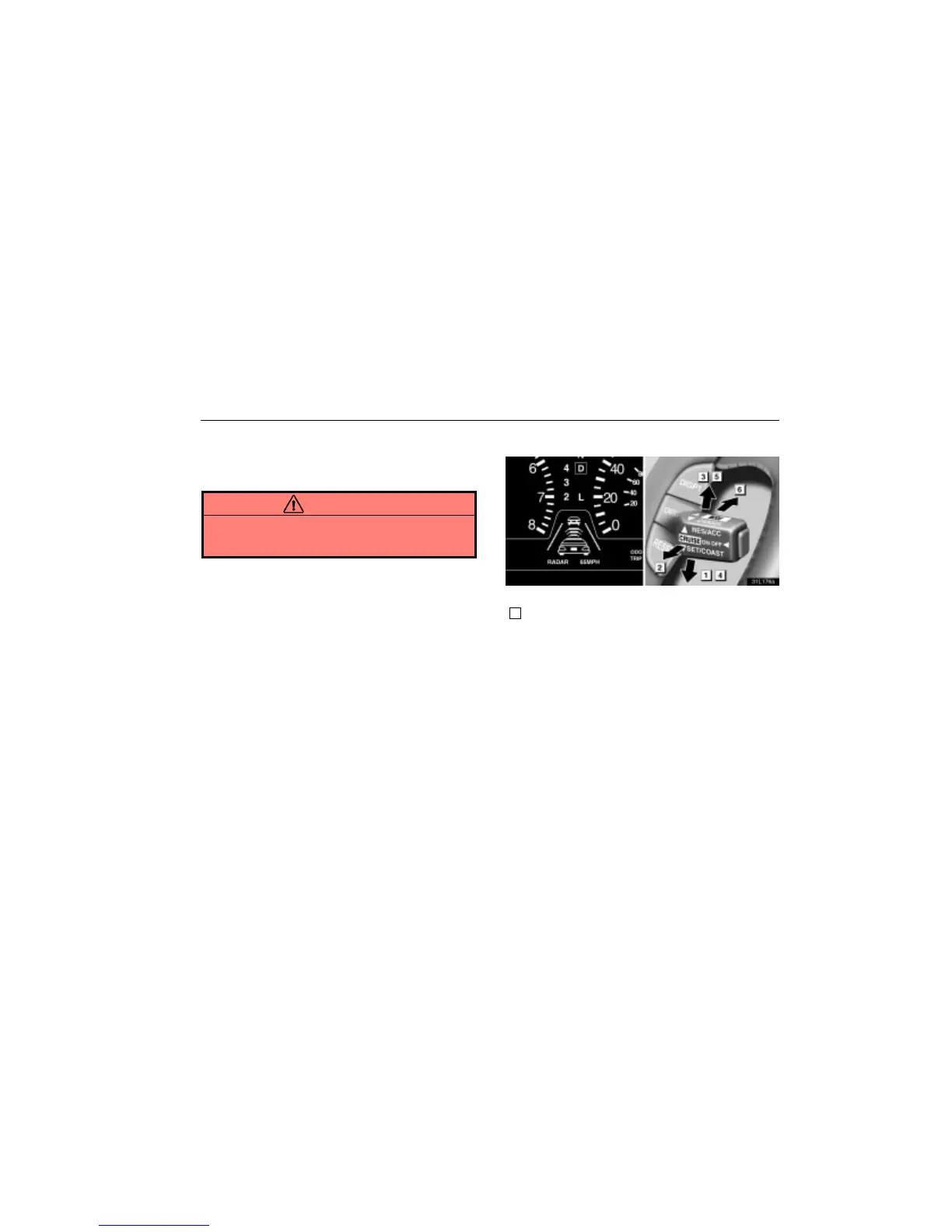
Setting operation
31L176a
Each function is described below.
1
Setting the desired speed
The transmission must be in ”D” or ”4” before you set the cruise
control speed.
After bringing the vehicle to the desired speed, press the
control lever downward in the ”SET/COAST” direction and
release it. This sets the vehicle at that speed. At this time, the
multi–information display indicates settings such as the preset
vehicle speed, whether a vehicle is present ahead and
selected vehicle–to–vehicle distance. If there is no vehicle
detected ahead, the dynamic laser cruise control screen does
not display the vehicle ahead. At this time, you may take your
foot off the accelerator pedal. If you need to accelerate – for
example, when passing – depress the accelerator pedal
enough for the vehicle to exceed the preset speed. When you
release the accelerator pedal, the vehicle will return to the
control prior to acceleration.












 To Next Page