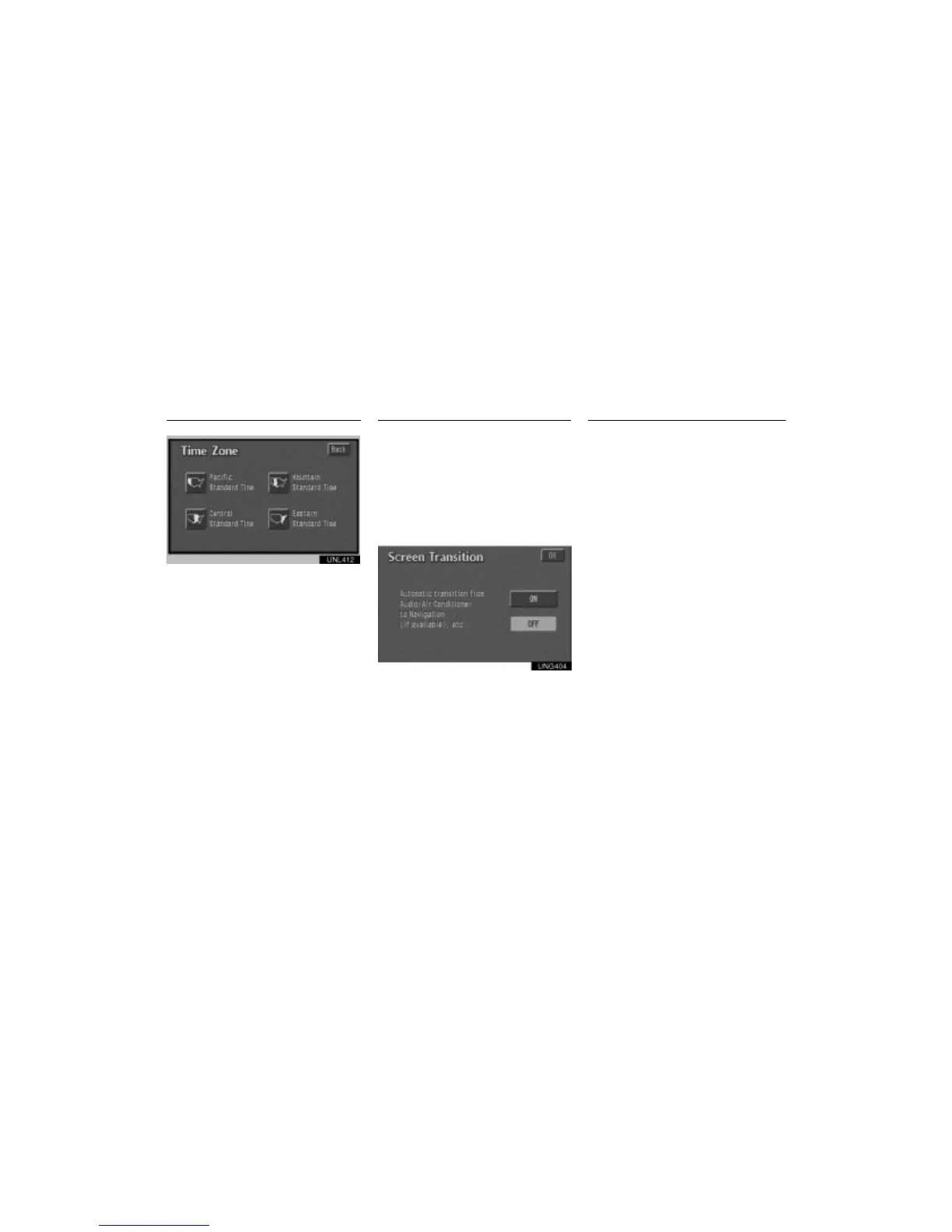
Clock Adjustment Screen Transition Screen Adjustment
110
UNL412
Touch the switch of your desired area. The
time zone for the area is set and the pre-
vious screen returns.
The function returning to the previous
screen from the audio or air conditioner
screen is selectable.
1. Push the
”OPTION” button on the
bezel to display the option screen and
touch the
”Information” switch.
2. Touch the
”Screen Transition”
switch.
UNG404
3. Select the ”ON” or ”OFF” and then
touch the ”OK”.
ON: The previous screen automatically re-
turns from the audio or air conditioner screen
20 seconds after the end of audio or air con-
ditioner screen operation.
OFF: The audio or air conditioner screen re-
mains on.
You can adjust the brightness or contrast
of the screen depending on the bright-
ness of your surroundings. You also can
turn the display off.
Push the
”OPTION” button on the bezel
to display the option screen and touch
the
”Display” screen.












 To Next Page