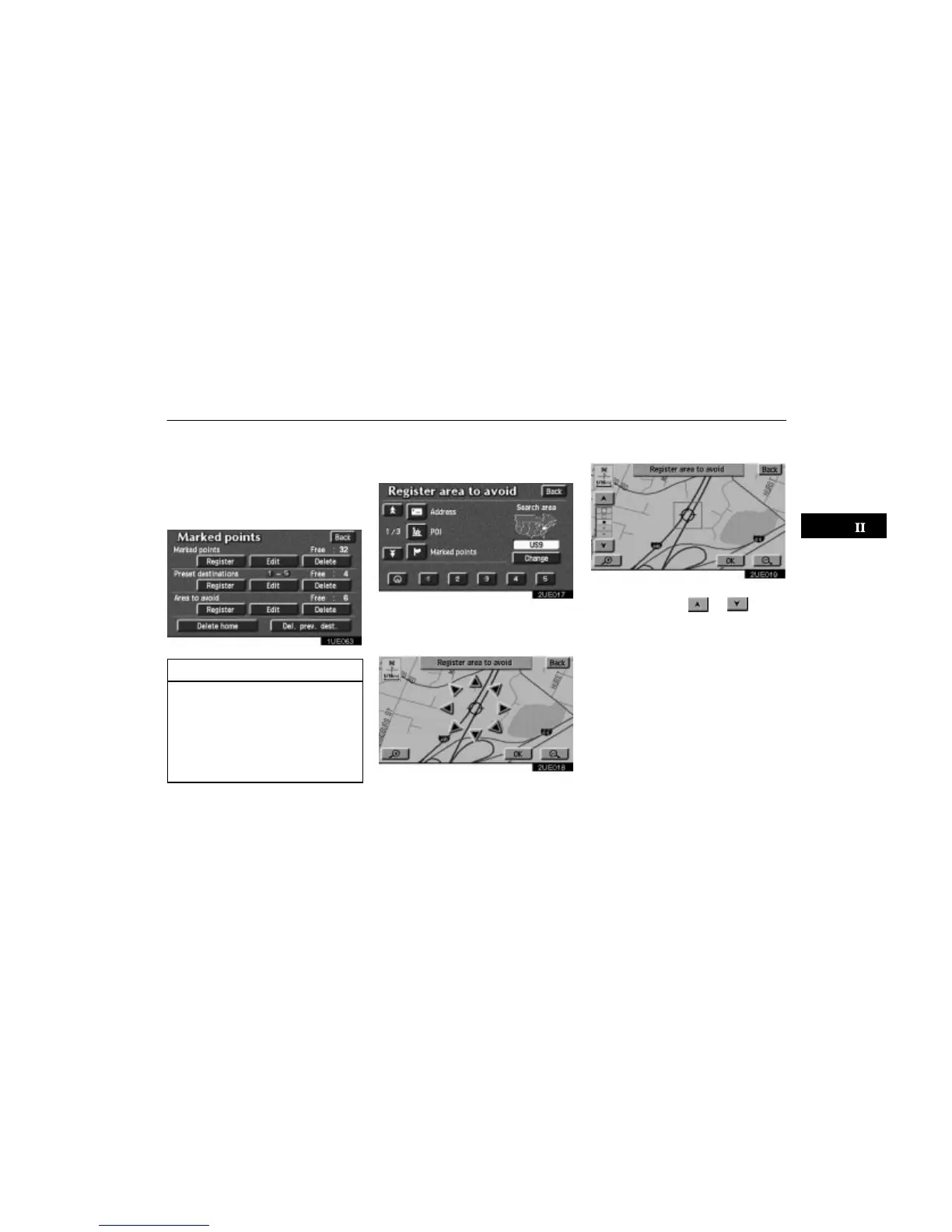
Area to Avoid
77
Any areas you want to avoid due to traffic
jams, construction work or other reasons
can be registered as an area to avoid.
Push the
“MENU” button to display
Menu screen and then touch the
“Marked points” switch to display the
following screen.
1UE063
INFORMATION
Some areas and freeways may not
be able to be set as an avoid point.
If a destination is input in the area to
avoid or the route calculation cannot
be made without running through
the area to avoid, a route passing
through the area to avoid may be
shown.
(a) Registering area to avoid
1. Touch the “Register” switch of Area
to avoid.
2UE017
2. Show the map of the area to avoid in
the same way as you input any destina-
tion or display the map of the area you
want to avoid. (See page 9 through 25.)
2UE018
3. Touch the “OK” switch at the center
of the area that you want to avoid.
2UE019
4. Depending on the contents to be
edited, touch either
or switch.












 To Next Page