Displaying POI Map Appearance
48
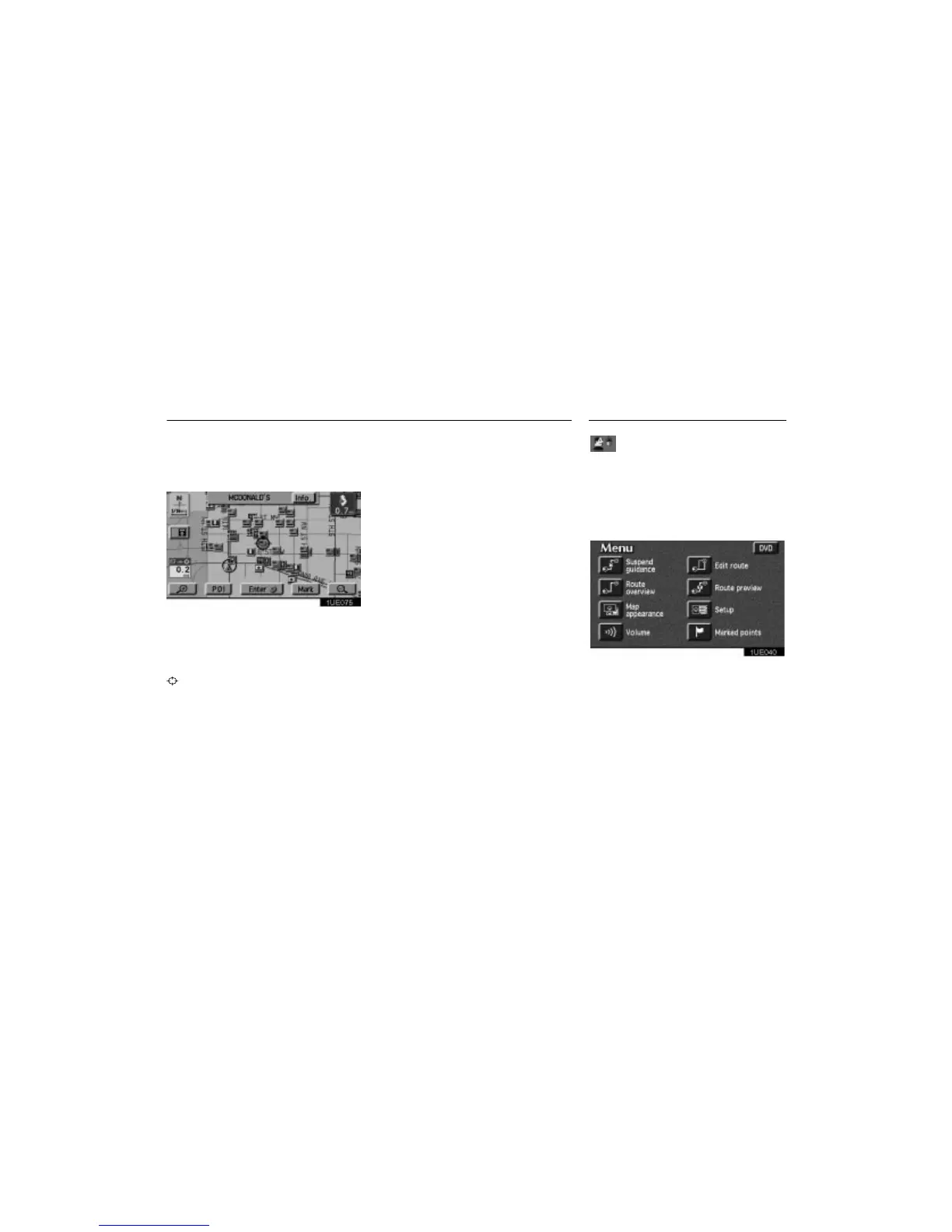
Setting a POI as a destination
You can select one of the points of inter-
est icons on the Map screen as a destina-
tion and use it for a route guidance.
1UE075
Directly touch the icon of the point of in-
terest that you want to set as a destina-
tion.
The map will shift so that the icon is centered
in the screen and overlaps with the cursor
.
At this time, the distance from your current
position will be displayed on the screen. The
distance shown is as measured in a straight
line from the current vehicle position to the
POI.
The name of the point of interest and the
“Info.” switch on the screen are displayed
at the top of the screen. When you touch the
“Info.” switch on the screen, the informa-
tion such as the name and address, etc. are
displayed.
When your desired point of interest over-
laps with the cursor, touch the
“Enter”
switch. The screen changes and displays
the map location of the selected destina-
tion and the route preference. (See “En-
tering Destination” on page 25.)
You can select the single screen map or
the dual screen map and you can change
the half of the screen to the Guidance
screen by touching the Map/Guidance
switch
while the Map screen is displayed.
You can choose one of two types of guid-
ance screen.
1UE040
1. Push the “MENU” button to display
the Menu screen and touch the
“Map
appearance”
switch.












 To Next Page