How to Move the Cursor Destination Input
4
1UE004
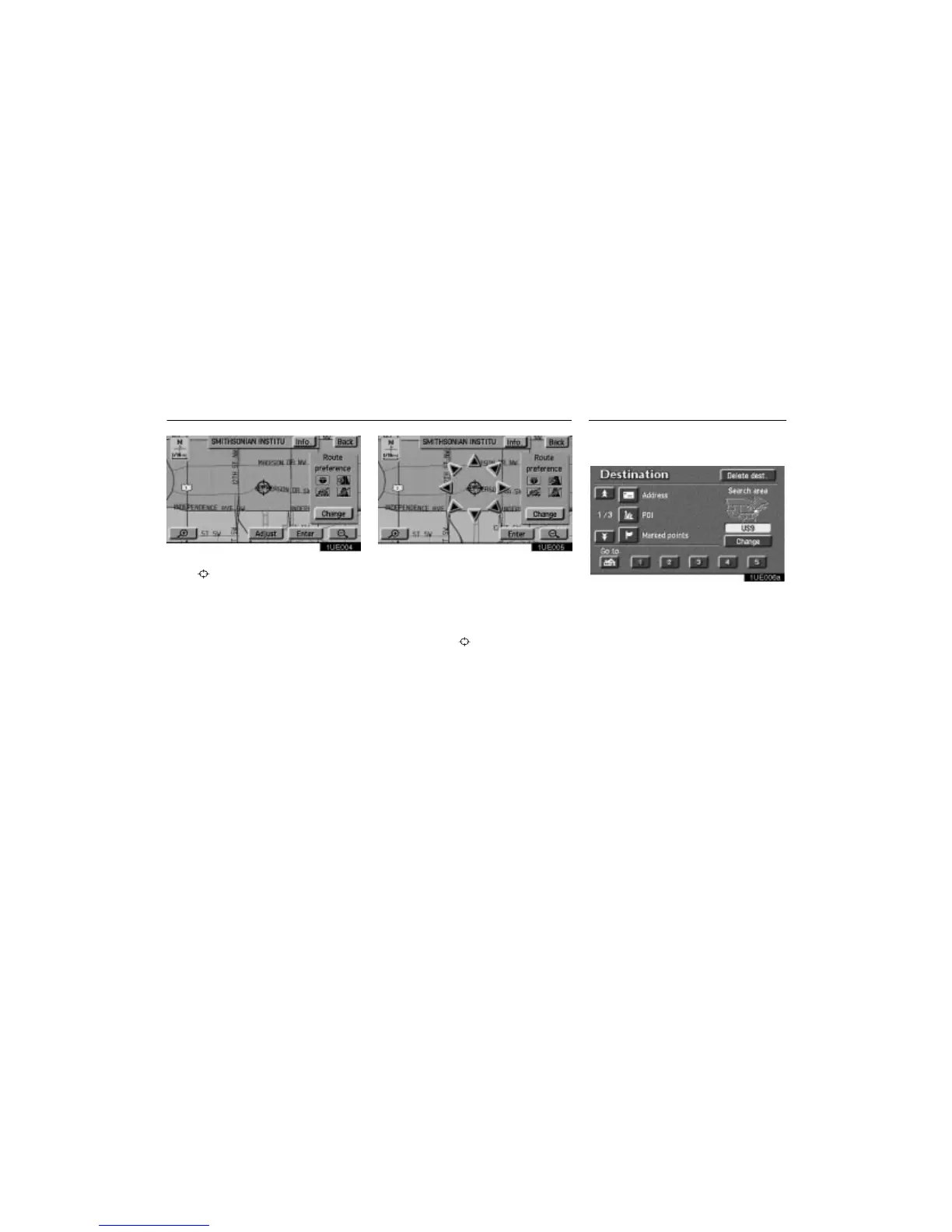
1. Touch the “Adjust” switch to move the
cursor
.
1UE005
Position locating screen on the map
2. When you touch an arrow facing your de-
sired point, the map scrolls in that direction.
When you release your finger, scrolling
stops.
3. If you touch the
“Enter” switch, the
position of cursor
is set.
Push the
“DESTINATION” button and
the Destination screen appears.
1UE006a
The Destination screen allows you to select
the area to search for your destination.
Touch the
“Change” switch on the Des-
tination screen to display a map of the
United States and Canada divided into 11
areas.












 To Next Page