Marked Points
76
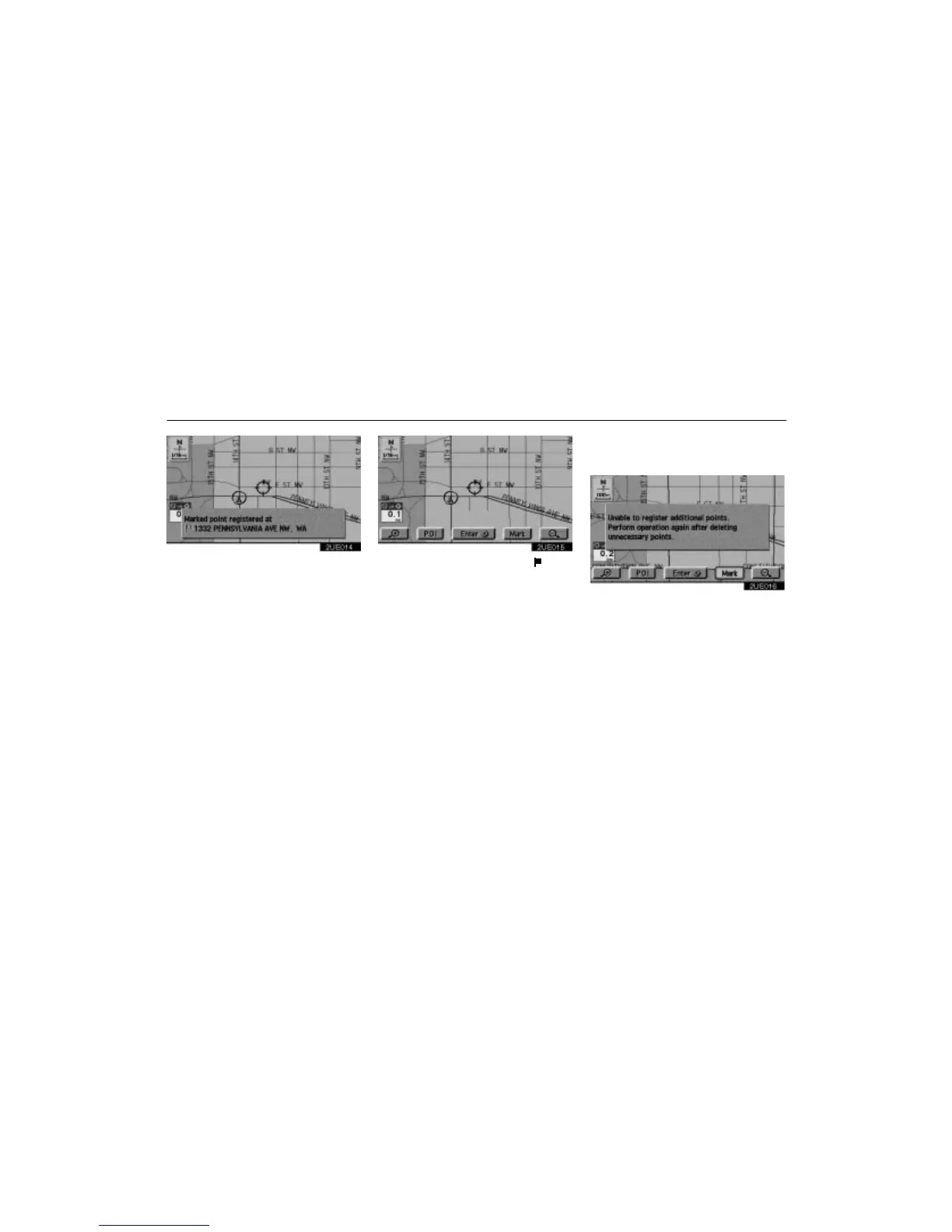
2UE014
When you touch the “Mark” switch, the
above screen appears for a few seconds,
and then the Map screen returns.
2UE015
The registered point is shown by on the
map.
To change the icon or name, etc., see “(b)
Editing marked points”.
You can register up to 100 marked points. If
you attempt to register more than 100, a
message appears for confirmation.
2UE016
If you want to register a new point, delete one
of the marked points. See “(c) Deleting
marked points”.












 To Next Page