Marked Points
75
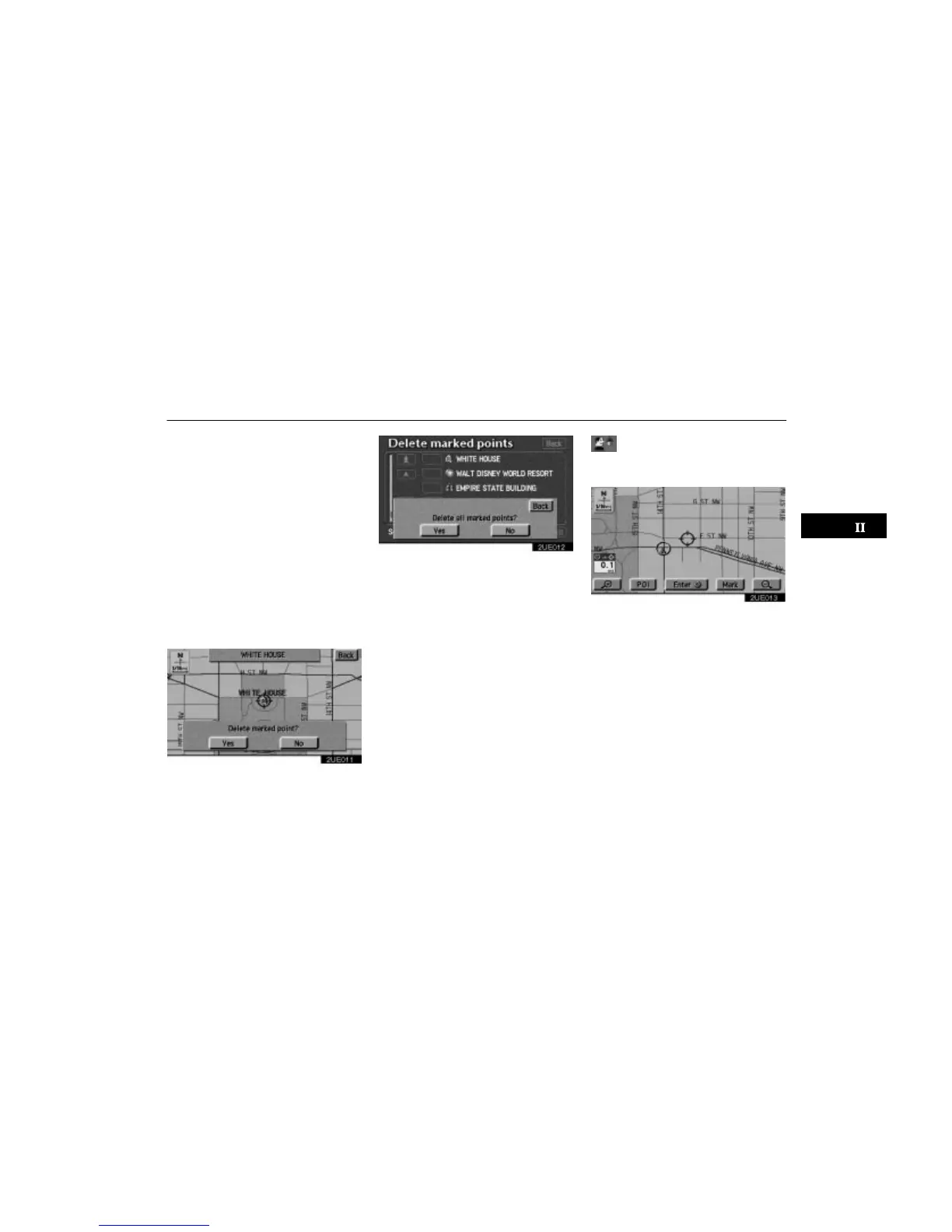
The screen for confirmation will appear
with the map of the marked point. If you
want to delete, touch
“Yes”. Touching
“No” or “Back” will return to the pre-
vious screen.
If you want to delete all of the marked
points, touch the
“Delete all” switch.
The screen for confirmation will appear.
Touching
“Yes” will delete all of the
marked points. Touching
“No” or
“Back” will return to the previous
screen.
To delete only specified marked points, use
the
“Icon”, “Date” or “Name” switch
to display the screen, so that you can easily
find the marked points.
2UE011
2UE012
Either of the above messages appears de-
pending on the type of deletion. If you want
to delete, touch the
“Yes” switch. To cancel
the deletion, touch the
“No” or “Back”
switch.
(d) One–touch marked point
registration
2UE013
You can register your current position or
any points (See “Screen Scrolling”on
page 51.) from the Map screen by touch-
ing the
“Mark” switch.












 To Next Page