Using the Lexus Integrated Mobile Phone
System in Vehicles equipped with Navi-
gation
Section 3
28
This is the initial screen for transferring phone data. If you
would like to download the stored data into the telephone
computer, touch
on the console display.
If
is selected, the memory transfer is terminated and the display
returns to the Telephone Setup screen.
NOTICE
Shaded text indicates operations that cannot be performed
while the vehicle is in motion.
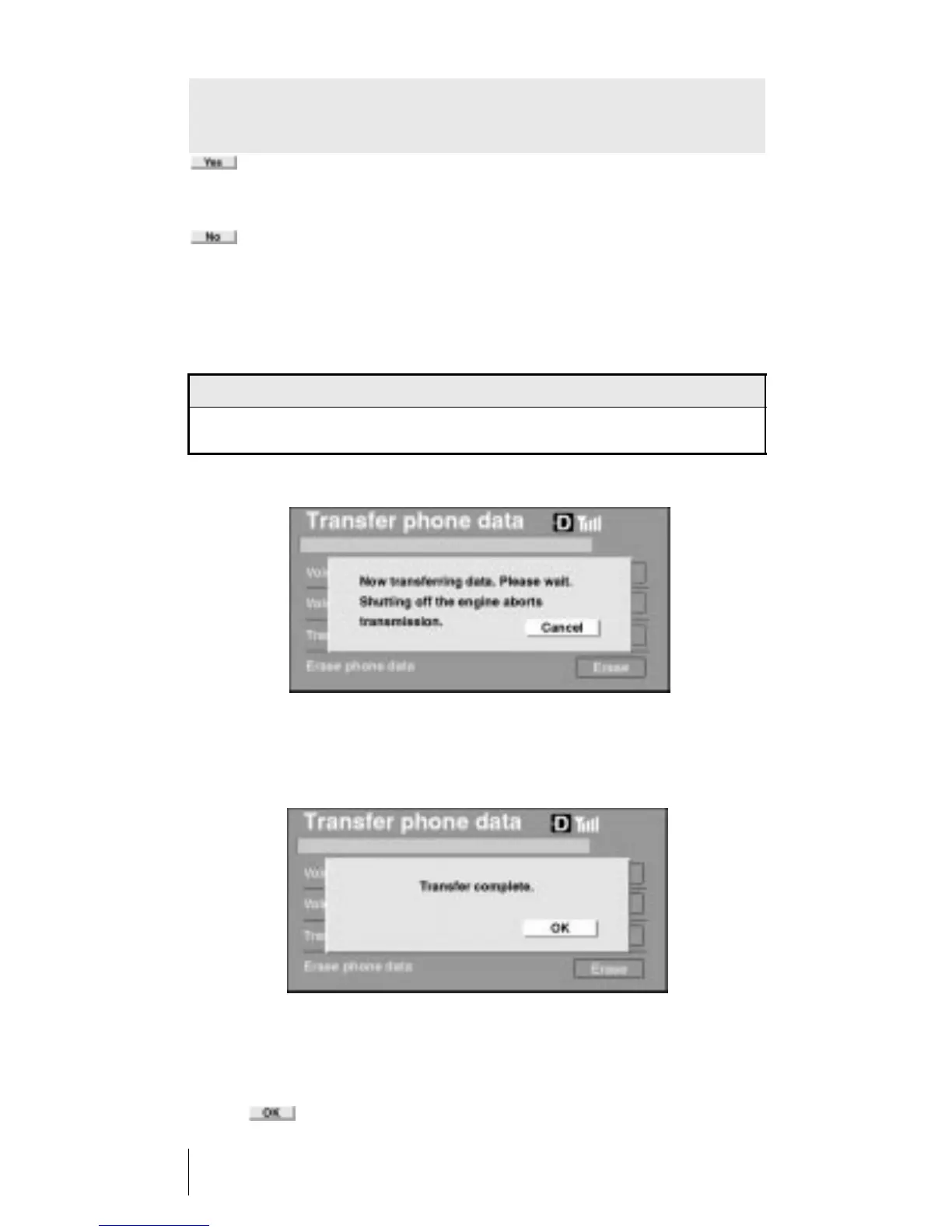
After the data transfer has begun, and the Transfer Phone Data
screen is displayed, no further action is needed to complete the
process.
This screen confirms that the system has successfully trans-
ferred the phone book memory from the phone to the tele-
phone computer.
Touch
on the console display. After five seconds the sys-
tem will automatically enter into the Phone Book screen.












 To Next Page