Section 3
39
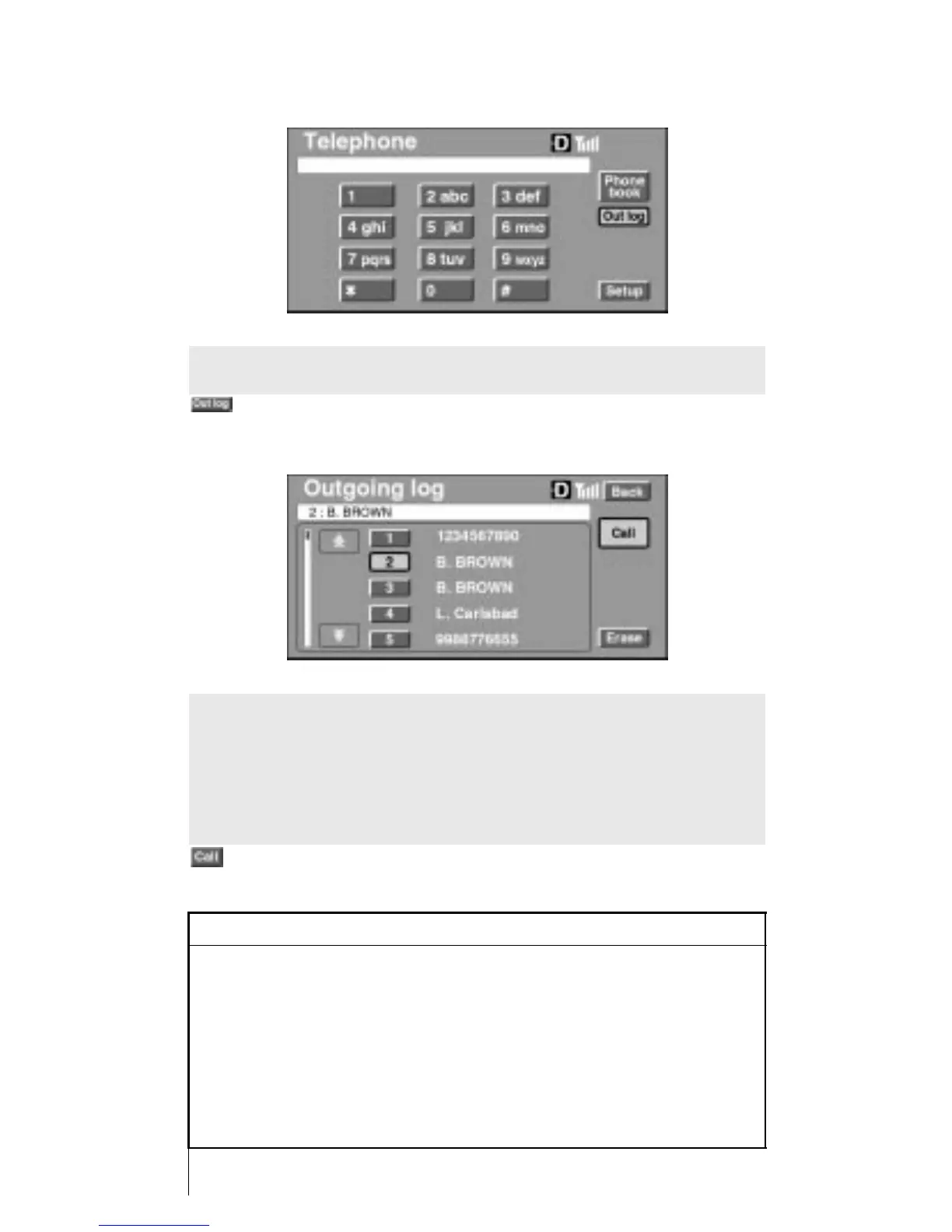
Placing a Call from the Outgoing Log
To place a call using the outgoing log, first go to the Outgoing
Log screen by touching
from the console display.
Select the desired entry from the outgoing log list. Touch the
number beside the entry and the person’s name or phone num-
ber will appear in the upper window.
From this position, press the hook key on the command module,
or touch
on the console display.
INFORMATION
• The outgoing log will display the last ten numbers
called.
• When the ignition switch is turned to OFF from the ACC posi-
tion, the registered outgoing log data will be erased by the
telephone computer.
The outgoing log data that enabled the call to be connected to
the network will be maintained in the outgoing log of the
phone.












 To Next Page