Section 3
41
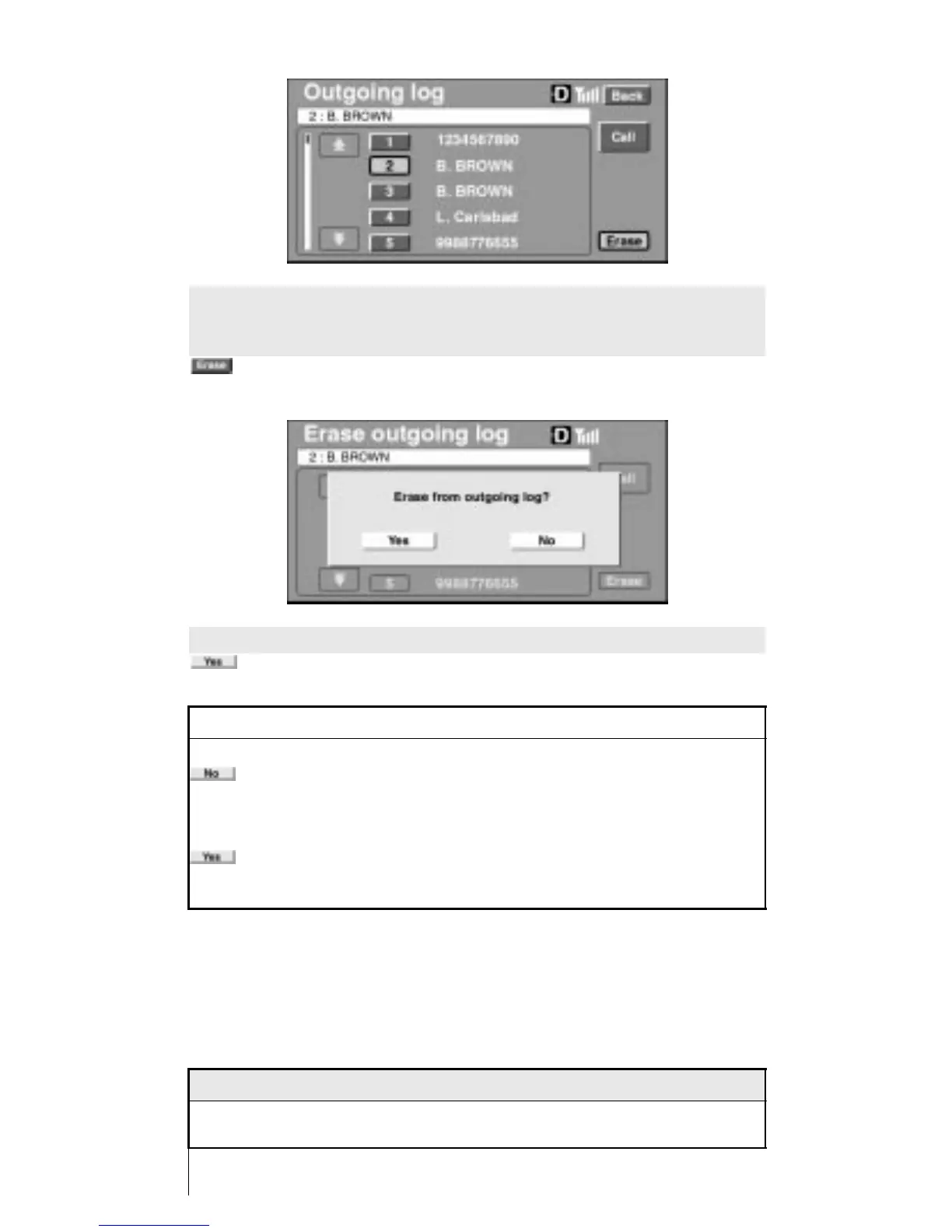
Touch the number of the entry that you want to erase from the
Outgoing Log screen. The person’s name or phone number will
appear in the upper window. From this position touch
from the console display.
To complete the erasing process, touch
on the console display.
INFORMATION
If
is selected from the console display, the operation is cancelled
and the system will return to the Outgoing Log screen.
If
is selected from the console display, the selected data will be
erased, but the outgoing log of the phone will not be erased.
NOTICE
Shaded text indicates operations that cannot be performed
while vehicle is in motion.












 To Next Page