Using the Lexus Integrated Mobile Phone
System in Vehicles equipped with Navi-
gation
Section 3
56
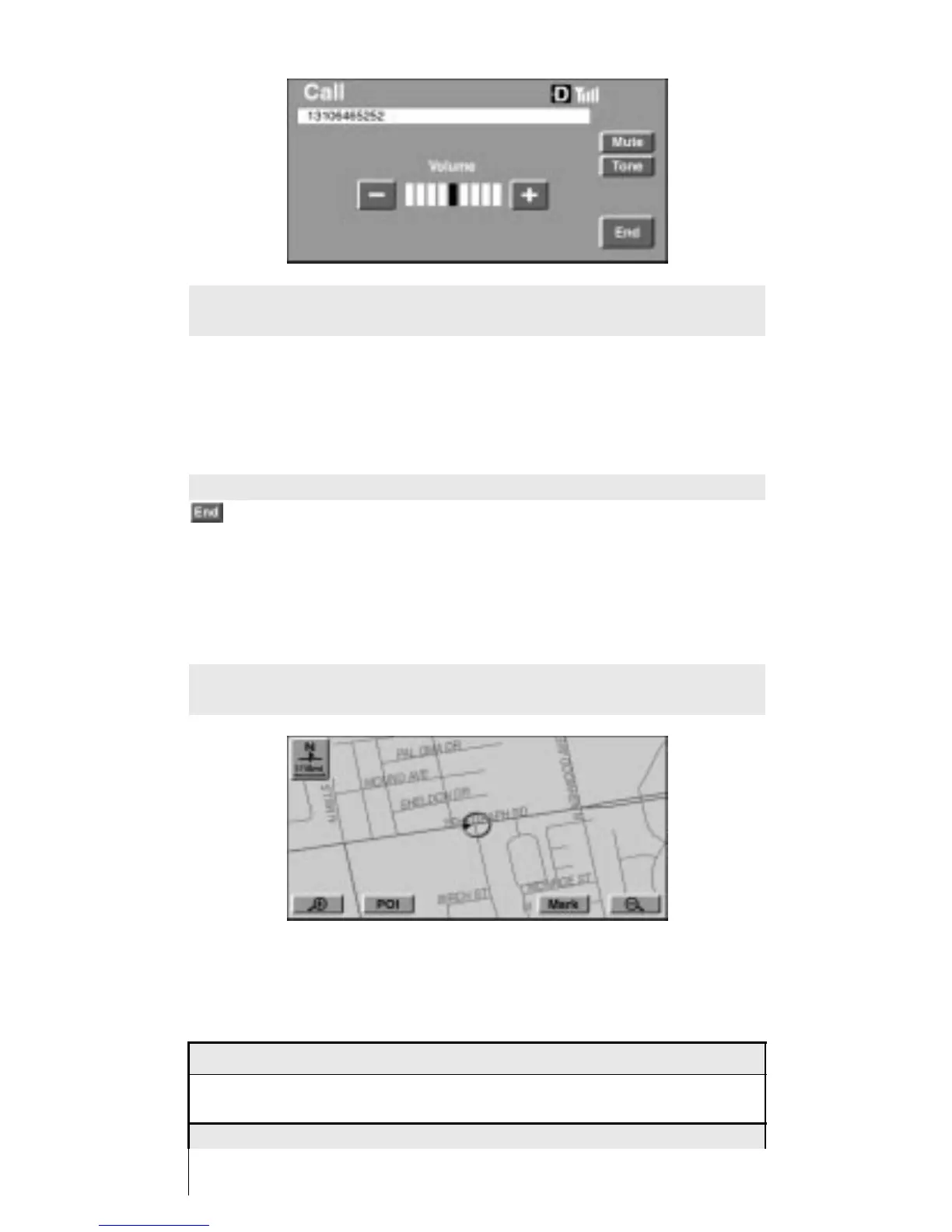
The Call screen will be displayed any time the Lexus Inte-
grated Mobile Phone System is in the active status.
* If you transfer to a screen other than those of phone during a
call from the Call screen, pressing the hook key will restore the
Call screen.
Terminating a Call
Press the hook key on the command module, or touch
on the Call screen: The call will end and the POI information
screen will be restored.
* If you wish to return to the Lexus Navigation System screen
and choose POI information during call, perform the following
procedure to end the call:
Press the MAP Switch while the Call screen is displayed dur-
ing call to display the current location.
NOTICE
Shaded text indicates operations that cannot be performed
while vehicle is in motion.
Press the DESTINATION Switch.












 To Next Page