Introduction
iii
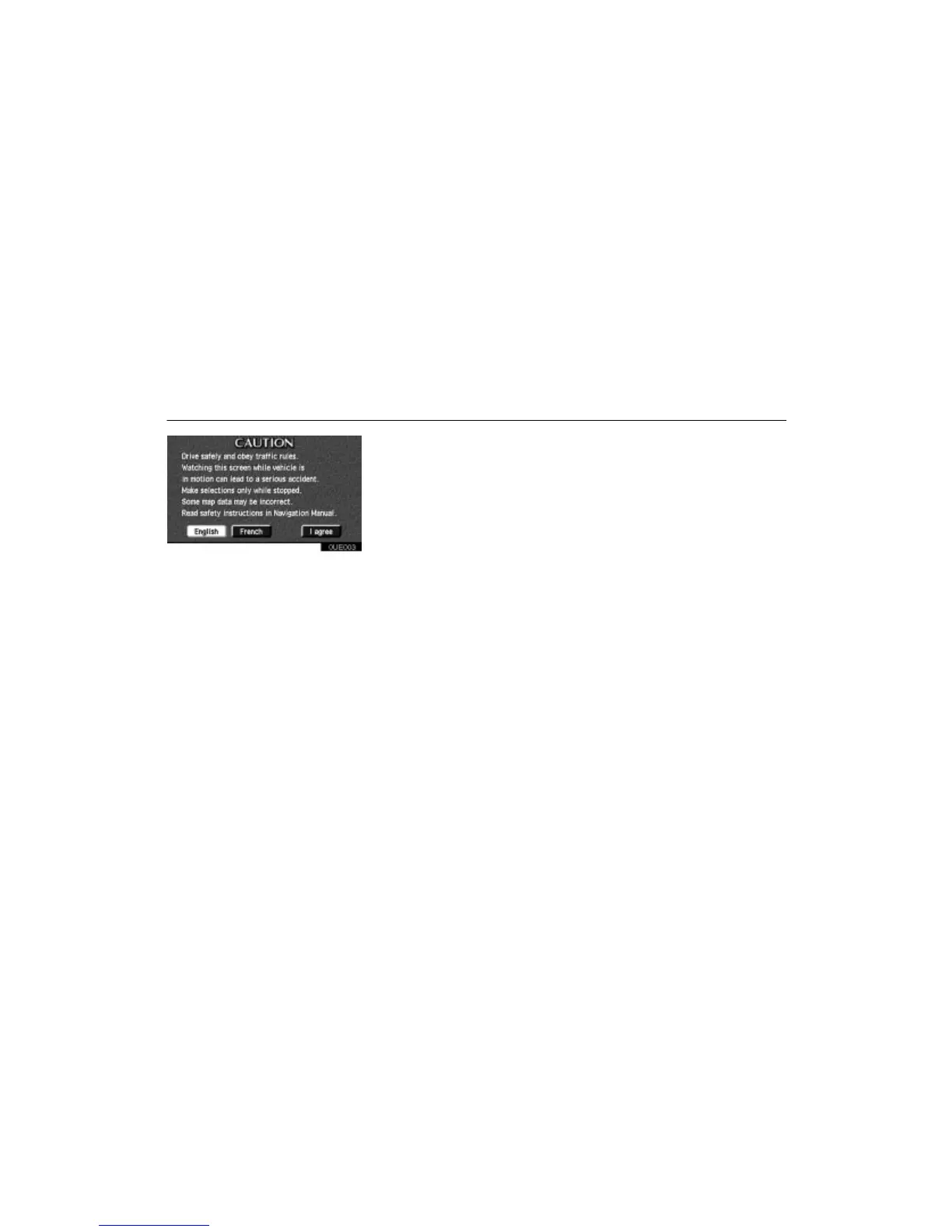
0UE003
Touch either “English” or “French” to se-
lect the language. Read it and follow the
instructions.
If a screen other than for the navigation sys-
tem is displayed (i.e., for the audio system or
air conditioning), the current screen would
change to the
“CAUTION” screen by
pushing the
“MAP/VOICE”, “DES-
TINATION”
or “MENU” button on the
bezel or by touching the “Maintenance”
switch on the “Information Menu” screen.
When you touch the
“I agree” switch on
the screen, the Map screen appears.












 To Next Page