Overview of Touch Screen and Switches
vii
Switch operation
This system operates mainly by the
switches on the screen. To protect the
screen, lightly touch switches on the
screen with your finger. When you touch
a switch on the screen or push a button,
a beep sounds.
INFORMATION
If the system does not respond to a
touch of a switch, move your finger
away from the screen and then touch
it again.
You cannot operate dimmed
switches.
Wipe off fingerprints on the surface
of the display using a glass cleaning
cloth.
The displayed image may become
darker and moving images may be
slightly distorted when the display is
cold.
Under extremely cold conditions,
the display may take time to change
and the map may not be desplayed.
Also, the button located on the front
face around the screen may be hard-
er than usual to depress, and the
data input by a user may be deleted.
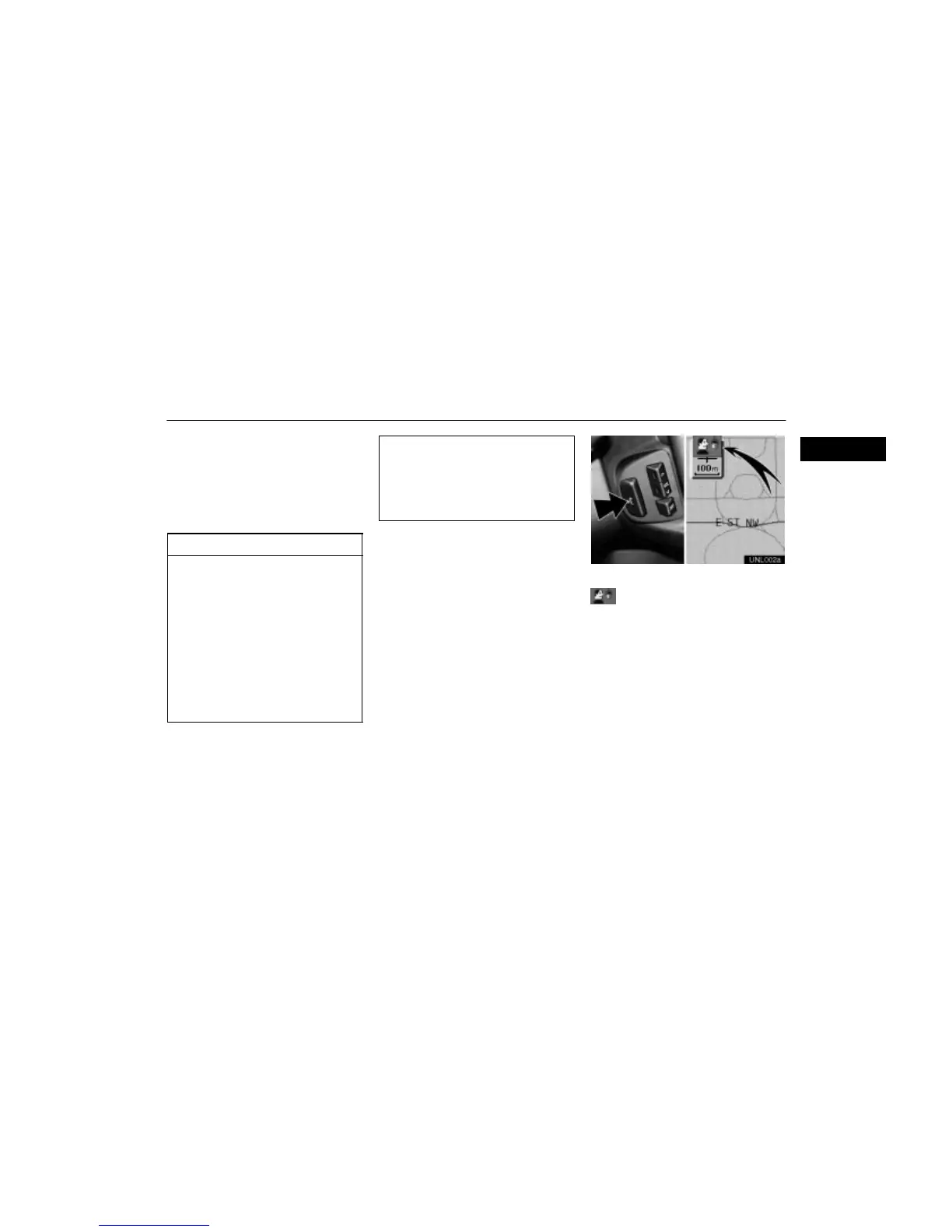
UNL002a
Speech command system
Some descriptions in this manual are
marked with the above indicator. This
means that this function can be activated
using the speech command system.
For the operation of the speech command
system and the command list, see page 101.












 To Next Page