Destination Input by Address
11
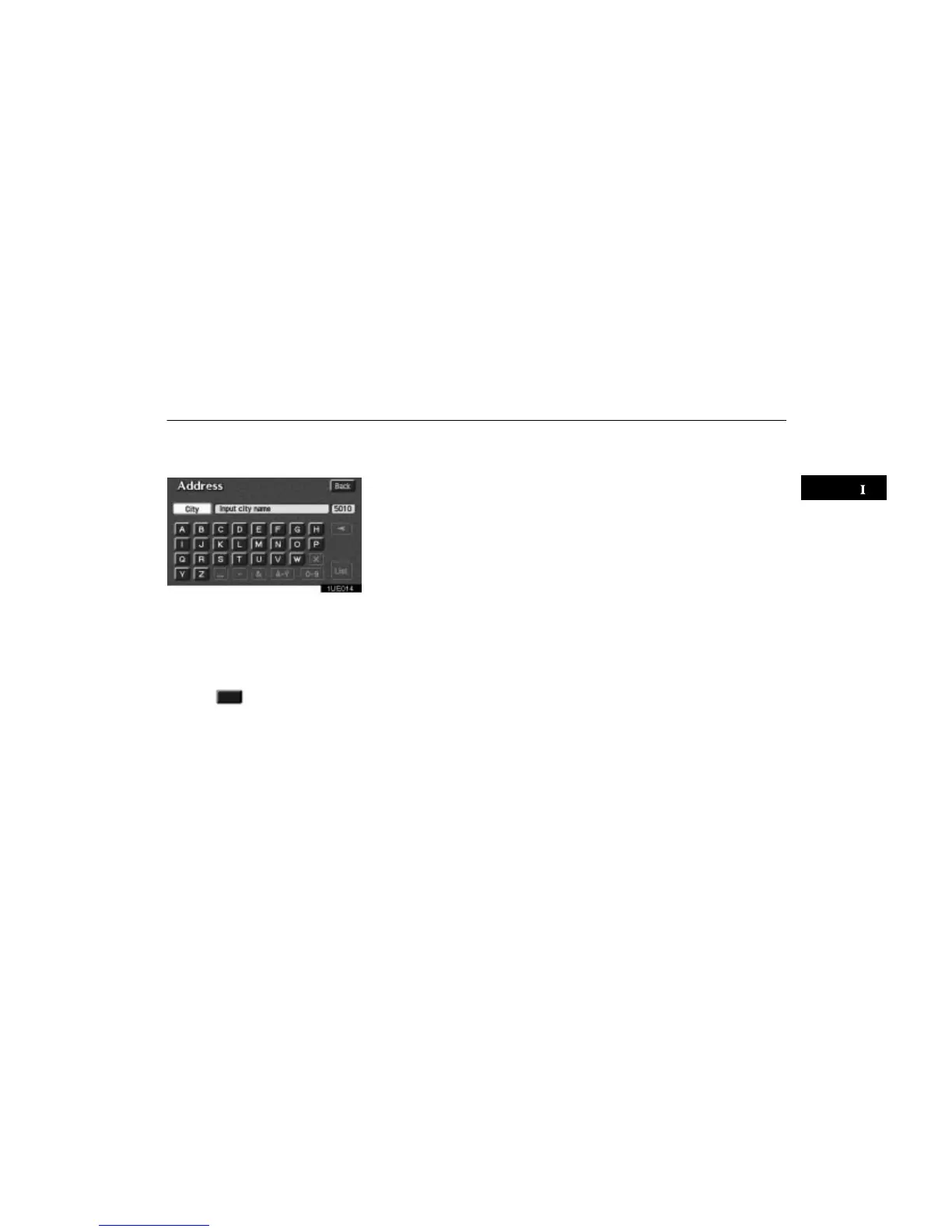
The screen for inputting a city name appears
if you touch the
“Input city name”
switch on the Address screen.
1UE014
Input the city name.
After the number decreases to some ex-
tent, touch the
“List” switch to display
the city selection list. If the number of
matches decreases to 4 or less, the
screen changes automatically to the
selection list.
Touch the
of the desired city name.
The current screen changes to the screen
which is for inputting a street name. After
inputting a street name, the screen may
change to the screen which is for input-
ting a house number. Input a house num-
ber. Then touch the
“Enter” switch to
display the map screen.
The screen changes and displays the
map location of the selected destination
and the route preference. (See “(a) Enter-
ing destination” on page 25.)












 To Next Page