Registering Your Home
41
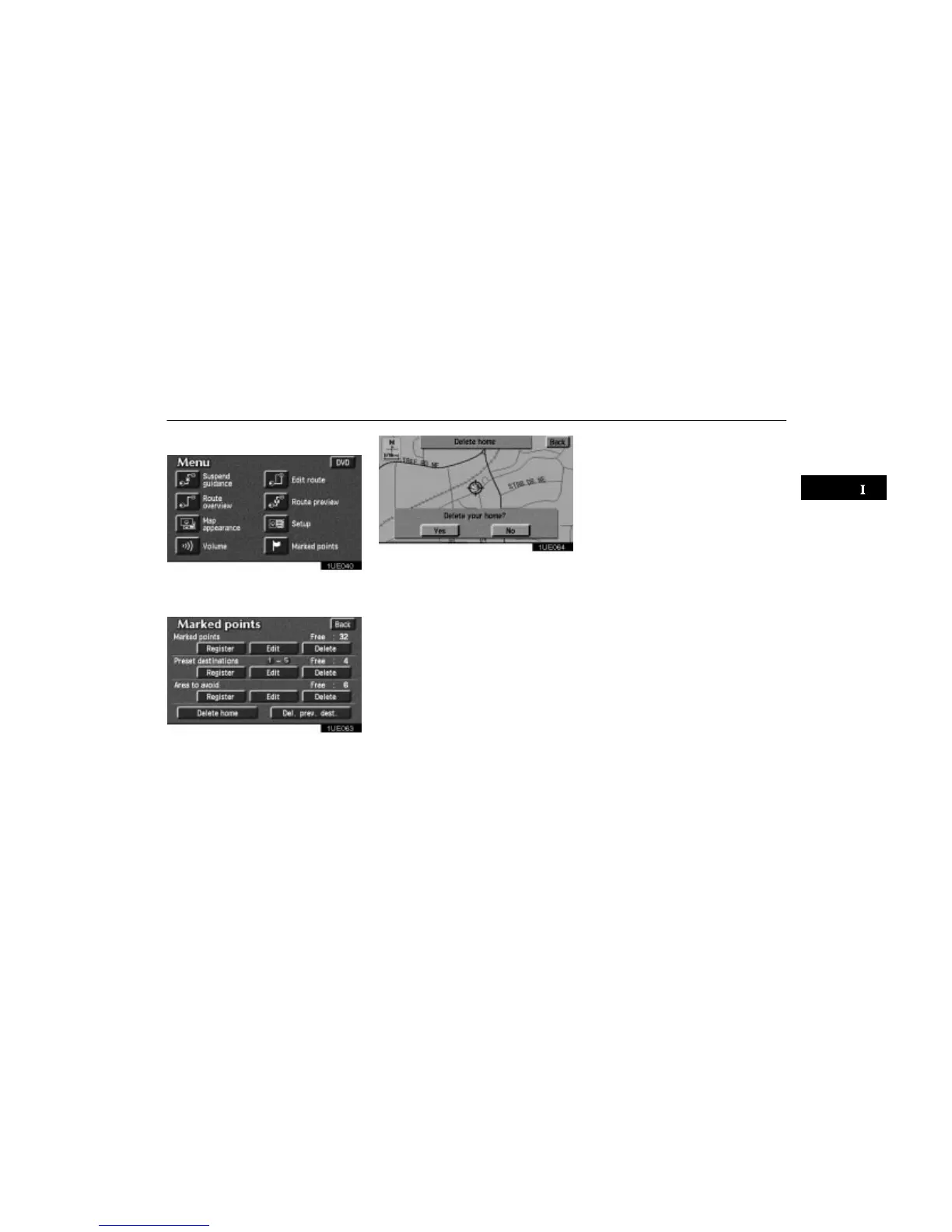
Deleting your home
1UE040
1. Push the “MENU” button to display
the Menu screen and touch the
“Marked points” switch.
1UE063
2. Touch the “Delete home” switch of
“Marked points” screen.
1UE064
The screen changes and displays the map
location of home and a message. If you are
sure that you want to delete the point, touch
the
“Yes” switch. If not, touch the “No”
switch.












 To Next Page