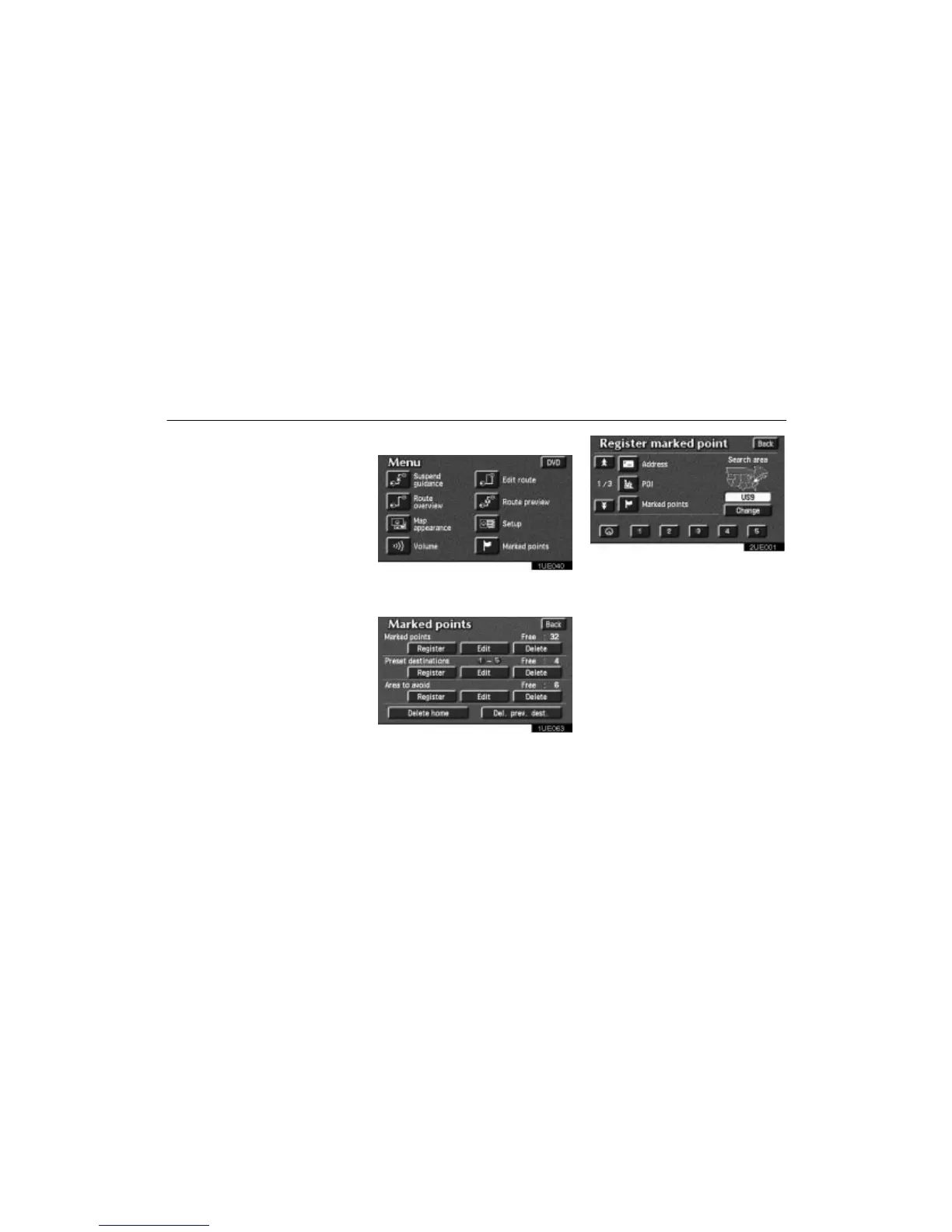
Marked Points
70
You can register and keep your own
marked points of interest list (like restau-
rants, sports facilities, etc.) and use the
marked points to input a destination.
(a) Registering marked points
1UE040
1. Push the “MENU” button to display
the Menu screen and touch the
“Marked points” switch.
1UE063
2. Touch the “Register” switch of the
Marked points.
2UE001
A screen similar to that for destination input
appears. Input the address of the marked
point in the same way as any destination in-
put. See page 9 through 25.












 To Next Page