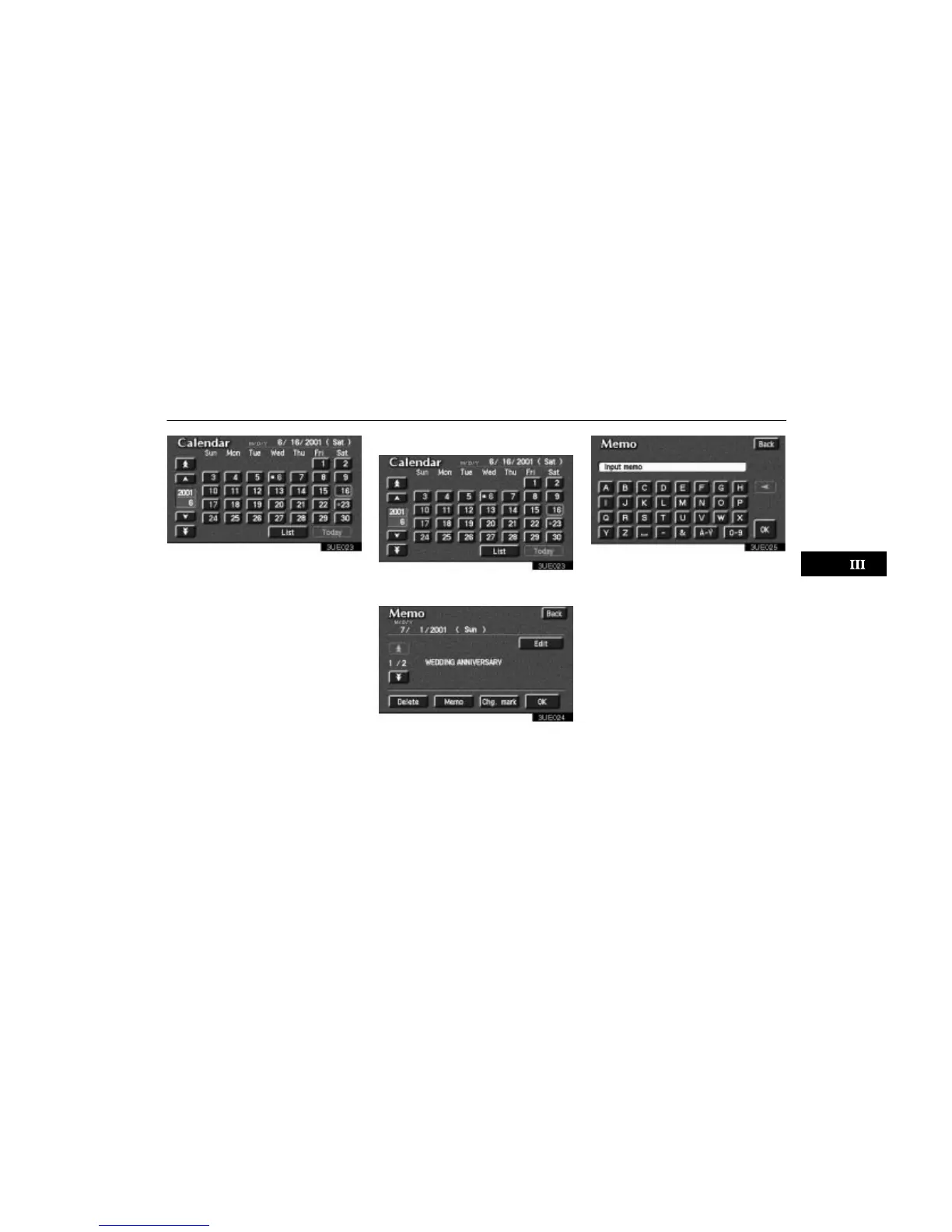
Calendar with Memo
97
3UE023
1. Push the “OPTION” button to dis-
play the Option screen.
2. Touch the
“Information” switch,
and then the
“Calendar” switch to dis-
play the Calendar screen.
Today’s date is circled in green. If today’s
date is not displayed on the screen, touch
“Today” switch to display a calendar of
this month.
(a) Inputting a memo
3UE023
1. Touch directly on the day you want to
input a memo.
3UE024
2. Touch the “Memo” switch to display
the screen to input a memo.
3UE025
3. Touch alphabet, umlaut keys directly
to input a memo. You can input up to 24
letters.












 To Next Page