104
2-1. Instrument cluster
Shows that an Eco-friendly driving range is
being exceeded (during full power driving
etc.)
*
: When used in this manual, regeneration
refers to the conversion of energy cre-
ated by the movement of the vehicle into
electrical energy.
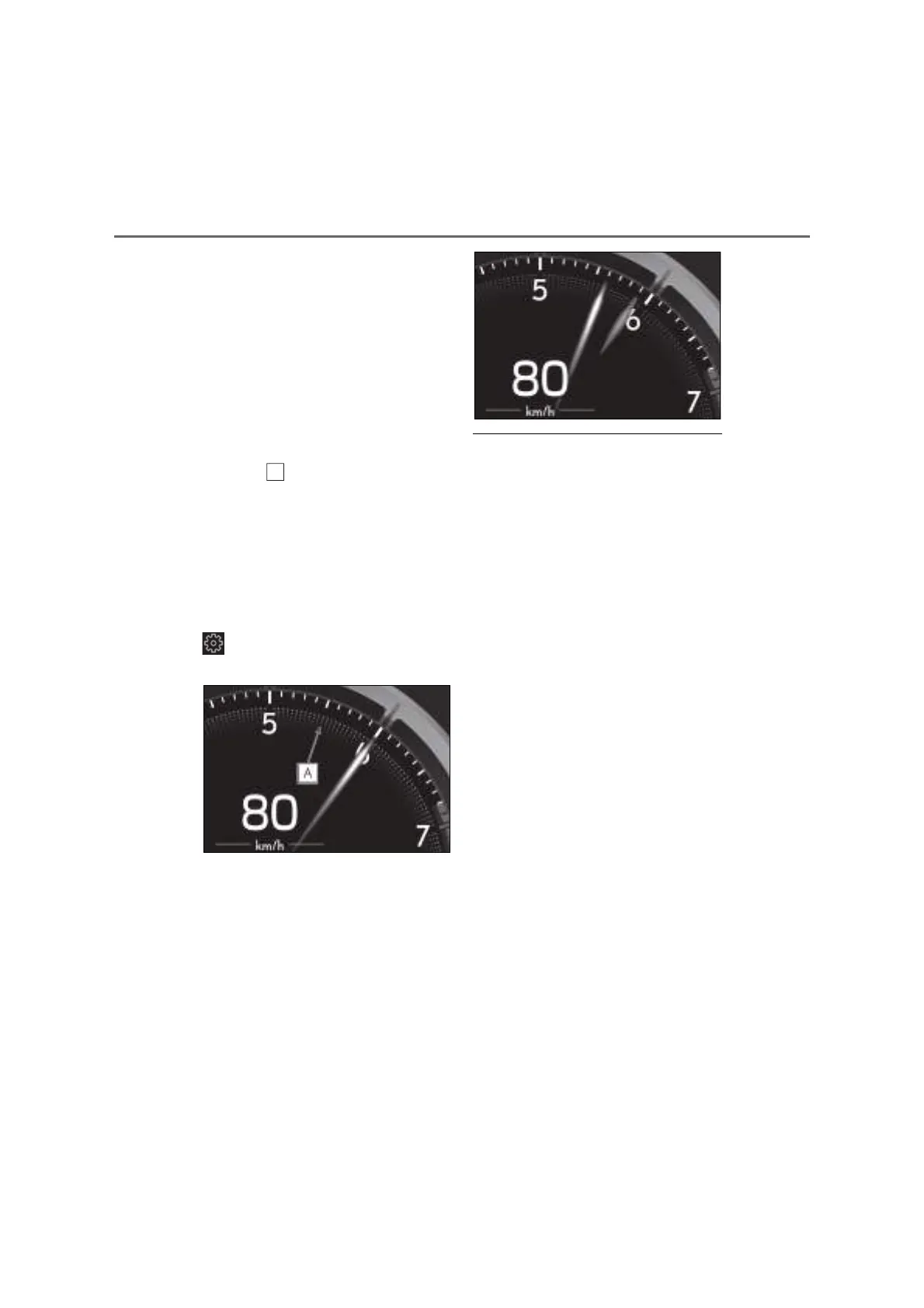
Q Rev indicator
When the engine speed reaches a set
speed or the red zone, a ring-shaped
indicator ( ) will be displayed on the
tachometer.
The indicators will be displayed in amber
when the engine speed reaches a set
speed, and in red when the engine speed
reaches the red zone.
The engine speed at which the rev indica-
tor will begin to be displayed can be set on
of the multi-information display.
(P.111)
Q Rev peak
When the engine speed reaches or
exceeds 4000 r/min, an afterimage of
the tachometer will be displayed at the
highest engine speed for approxi-
mately 1 second.
Q Engine speed
On hybrid vehicles, engine speed is pre-
cisely controlled in order to help improve
fuel efficiency and reduce exhaust emis-
sions etc.
There are times when the engine speed that
is displayed may differ even when vehicle
operation and driving conditions are the
same.
Q Hybrid System Indicator is displayed
when
The Hybrid System Indicator is displayed in
the following situations:
O The shift lever is in D or S.
O The hybrid system is started.
Q Manually updating the fuel gauge and
possible driving range
The fuel gauge and the possible driving
range are linked. If the displays of the fuel
gauge and possible driving range do not
update after adding a small amount of fuel,
the displays can be updated by performing
the following procedure.
1 Stop the vehicle on a level surface.
2 Press the “ODO TRIP” switch to
change the odometer and trip meter
display to odometer.
3 Turn the power switch off.
4 While pressing and holding the “ODO
TRIP” switch, turn the power switch to
ON mode.
5 Continue to hold the “ODO TRIP”
switch for approximately 5 seconds,
and then release it once the odometer
begins flashing.
Updating is complete once the odometer



 To Next Page