149
3
3-3. Adjusting the seats
Before driving
O Press button “1”, “2” or “3”.
O Operate any of the seat adjustment
switches (only cancels seat position
recall).
O Operate the tilt and telescopic steering
control switch (only cancels steering
wheel position recall).
O Vehicles with the head-up display: Oper-
ate the meter control switches to adjust
the head-up display position (only can-
cels head-up display position recall).
Q Operating the driving position memory
after turning the power switch off
Driver’s seat:
Recorded seat positions can be activated
up to 180 seconds after the driver’s door is
opened and another 60 seconds after it is
closed again.
Front passenger’s seat (if equipped):
Recorded seat positions can be activated
up to 180 seconds after the front passen-
ger’s door is opened.
Q When the recorded seat position can-
not be recalled
The seat position may not be recalled in
some situations when the seat position is
recorded in a certain range. For details,
contact any authorized Lexus retailer or
Lexus authorized repairer, or any reliable
repairer.
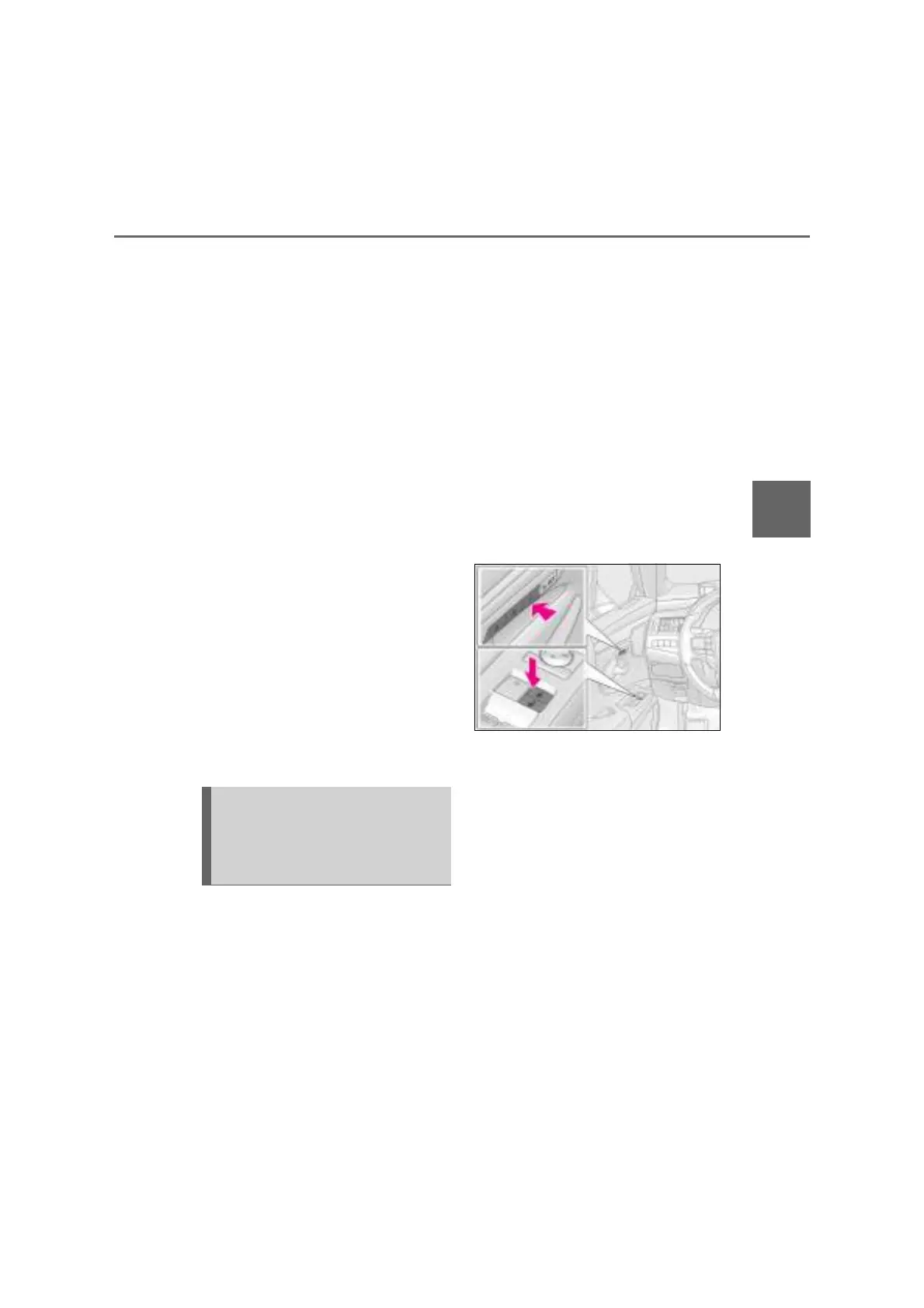
Q Registering procedure
Record your driving position to button
“1”, “2” or “3” before performing the
following:
Carry only the key you want to regis-
ter, and then close the driver’s door.
If 2 or more keys are in the vehicle, the
driving position cannot be recorded
properly.
1 Check that the shift lever is in P.
2 Turn the power switch to ON
mode.
3 Recall the driving position that you
want to record.
4 While pressing the recalled button,
press and hold the door lock switch
(either lock or unlock) until the
buzzer sounds.
If the button could not be registered, the
buzzer sounds continuously for approxi-
mately 3 seconds.
Q Cancelation procedure
1 Carry only the key you want to can-
cel and then close the driver’s door.
If 2 or more keys are in the vehicle, the
driving position cannot be canceled prop-
erly.
2 Check that the shift lever is in P.
3 Turn the power switch to ON
mode.
4 While pressing the “SET” button,
press and hold the door lock switch
(either lock or unlock) until the
buzzer sounds twice.
If the button could not be canceled, the
buzzer sounds continuously for approxi-
Registering/canceling/recall-
ing a driving position to an elec-
tronic key (including a card key)
(memory recall function)



 To Next Page