159
3
3-4. Adjusting the steering wheel and mirrors
Before driving
Left
Right
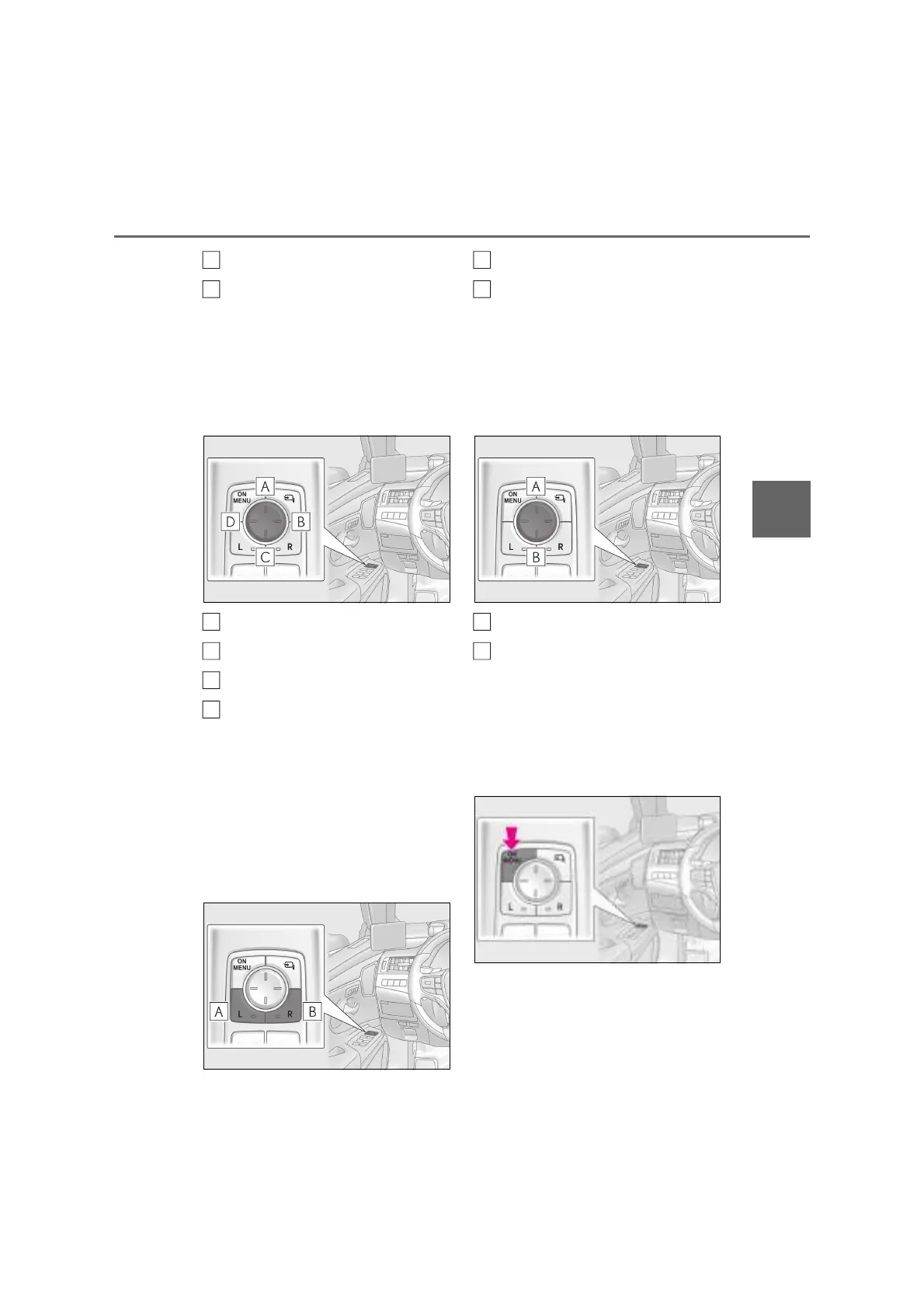
When the switch is pressed, the indicator
will turn on. Press the switch again to can-
cel the selection.
2 Press the switches to adjust the dis-
play range of the Digital Side-view
Monitor display.
Up
Right
Down
Left
Adjusting the display range when
the shift lever is in R
Perform the following while firmly
depressing the brake pedal.
1 Shift the shift lever to R. (P.192)
2 To select the display to adjust, press
the switch.
Left
Right
When the switch is pressed, the indicator
will turn on. Press the switch again to can-
cel the selection.
3 Press the switches to adjust the dis-
play range of the Digital Side-view
Monitor display.
Up
Down
Q Operating the adjustment menu
Adjustment of other than the angle
of the image
1 Press the switch to display the
adjustment menu.
A
B
A
B
C
D
A
B
A
B



 To Next Page