347
5
5-6. Using the other interior features
Interior features
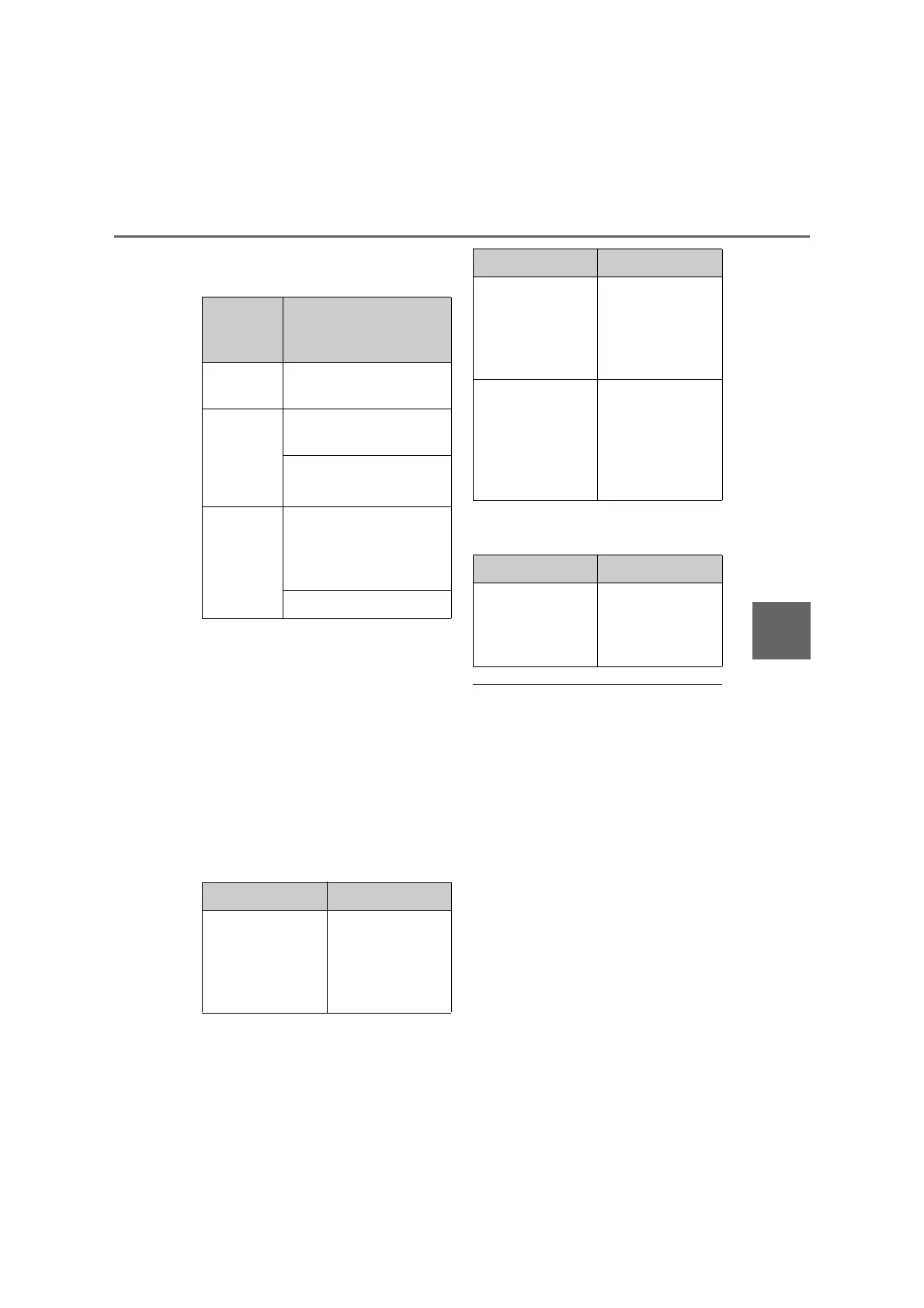
Q Lighting conditions of operation
indicator light
*
: Depending on the portable device, there
are cases where the operation indicator
light will continue being lit up orange
even after the charging is complete.
When the operation indicator light
flashes
When an error occurs, the operation indi-
cator light flashes an orange color.
Handle the error based on the following
tables.
• Flashing repeatedly once every second
(Orange)
• Repeatedly flashes 3 times continuously
(Orange)
• Repeatedly flashes 4 times continuously
(Orange)
Q The wireless charger can be operated
when
The power switch is in ACCESSORY or
ON mode.
Q Usable portable devices
O Qi standard wireless charge standard
can be used on compatible devices.
However, not all Qi standard devices and
compatibility are guaranteed.
O Starting with mobile phones and smart
phones, it is aimed for low power electri-
cally supplied portable devices of no
more than 5W.
Q When covers and accessories are
attached to portable devices
Do not charge in situations where cover
and accessories not able to handle Qi are
attached to the portable device. Depending
on the type of cover and accessory, it may
not be possible to charge. When charging
is not performed even with the portable
Operation
indicator
light
Conditions
Turning off
When the Wireless charger
power supply is off
Green
(comes on)
On Standby (charging pos-
sible state)
When charging is com-
plete
*
Orange
(comes on)
When placing the portable
device on the charging area
(detecting the portable
device)
Charging
Suspected causes Handling method
Vehicle to charger
communication fail-
ure.
Contact any autho-
rized Lexus retailer
or Lexus authorized
repairer, or any reli-
able repairer.
Suspected causes Handling method
A foreign substance
is between the por-
table device and
charge area.
Remove the foreign
substance from
between portable
device and the
charge area.
The portable device
is out of sync due to
the device being
shifted from the cen-
ter of the charge
area.
Place the portable
device near the cen-
ter of the charge
area.
Suspected causes Handling method
Temperature rising
within the wireless
charger.
Stop charging at
once and start
charging again after
for a while.



 To Next Page