ES350_300h_OM_OM33A60U_(U)
339
5-1. Lexus Display Audio system
5
Interior features
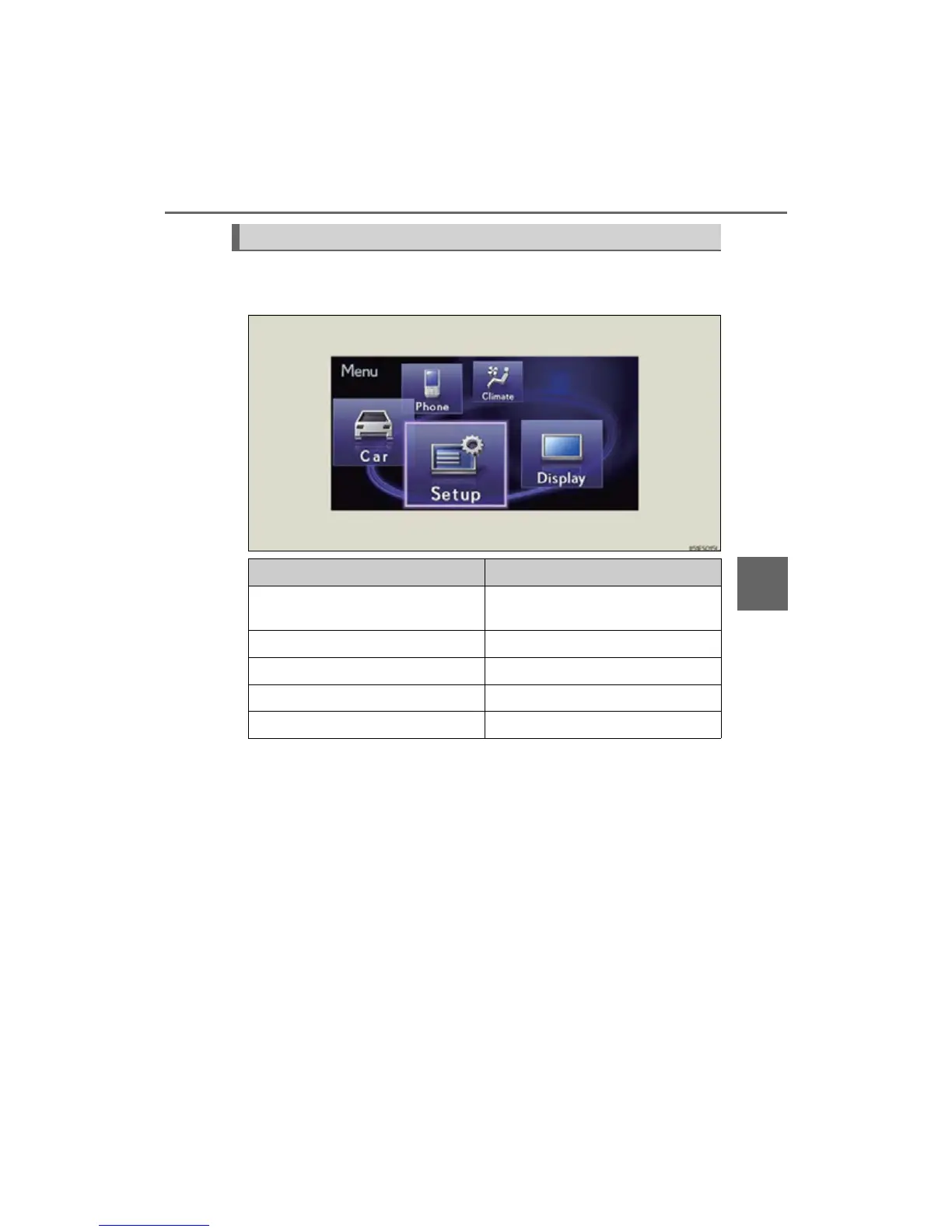
To display the “Menu” screen, press the “MENU” button on the Lexus Dis-
play Audio controller.
“Menu” screen
Button Function
“Climate”
Automatic air conditioning system
(P. 353)
“Phone” Hands-free system (P. 451)
“Car” Vehicle information (P. 110)
“Setup” Setup menu (P. 345)
“Display” Display settings (P. 343)



 To Next Page