478
ES350_300h_OM_OM33A60U_(U)
5-3. Using the Lexus Display Audio system
Setting the hands-free system
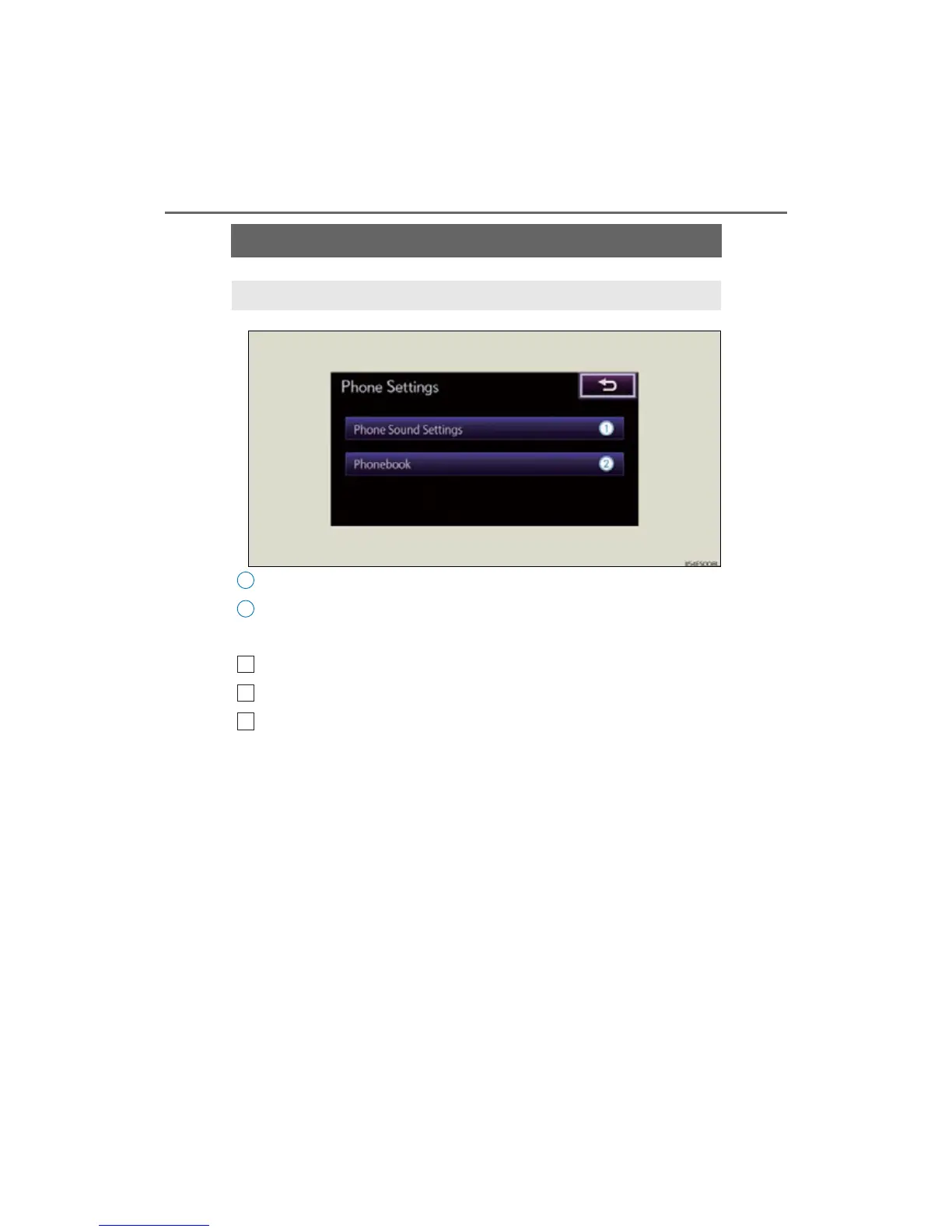
Setting the sound
Phonebook settings
To display the screen shown above, follow the steps below.
Press the “MENU” button on the Lexus Display Audio controller.
Select “Setup” on the “Menu” screen.
Select “Phone” on the “Setup” screen.
You can set the hands-free system to your desired settings.



 To Next Page