411
ES350_300h_OM_OM33A60U_(U)
5-3. Using the Lexus Display Audio system
5
Interior features
Listening to an iPod
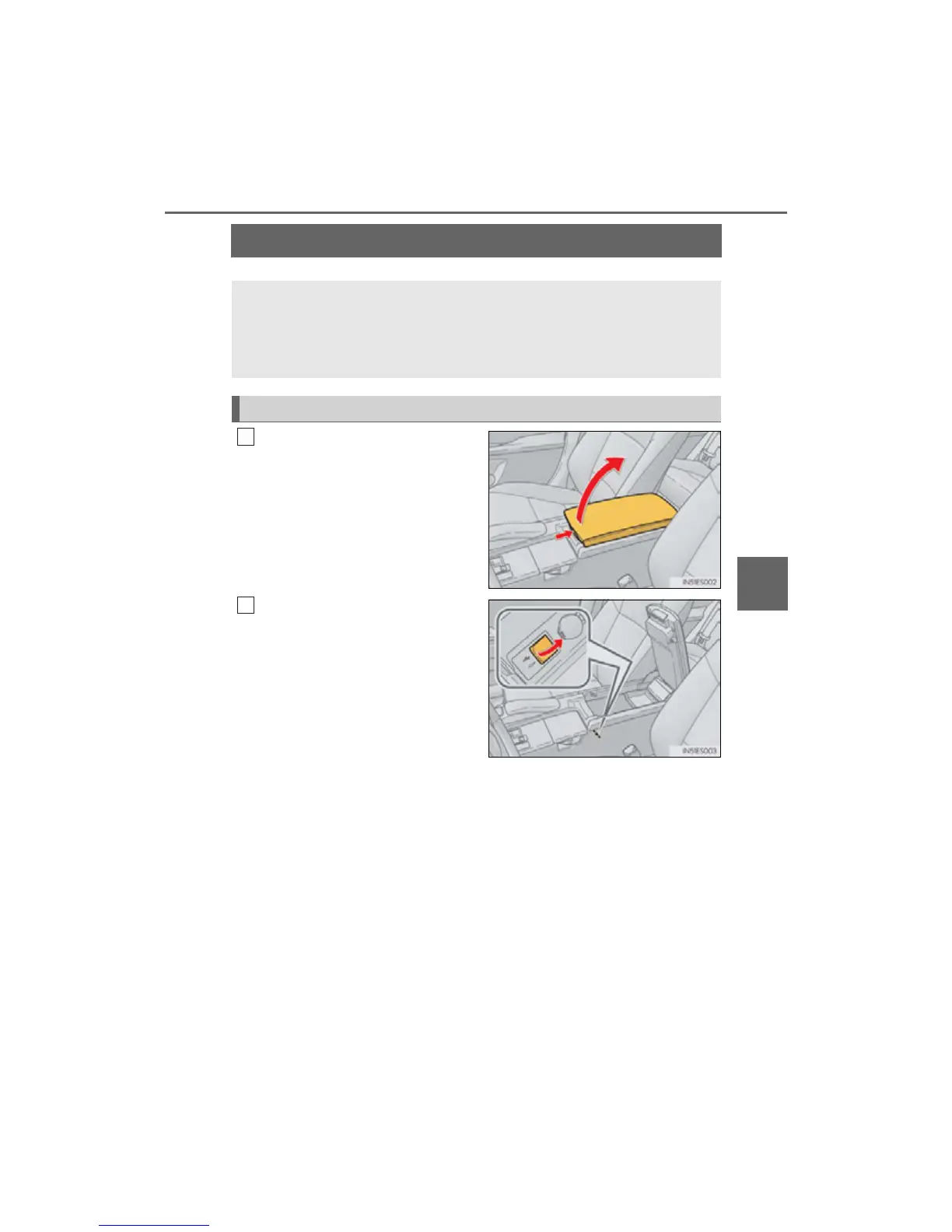
Push the knob to release the lock,
and lift the armrest to open fully.
Open the cover and connect an
iPod using an iPod cable.
Turn on the power of the iPod if it is not
turned on.
Connecting an iPod enables you to enjoy music from the vehicle speak-
ers.
Press the “MEDIA” button or the “AUDIO” button on the Lexus Display
Audio controller and then select “iPod” with an iPod connected.
Connecting an iPod
1
2



 To Next Page