491
ES350_300h_OM_OM33A60U_(U)
5-3. Using the Lexus Display Audio system
5
Interior features
Bluetooth
®
settings
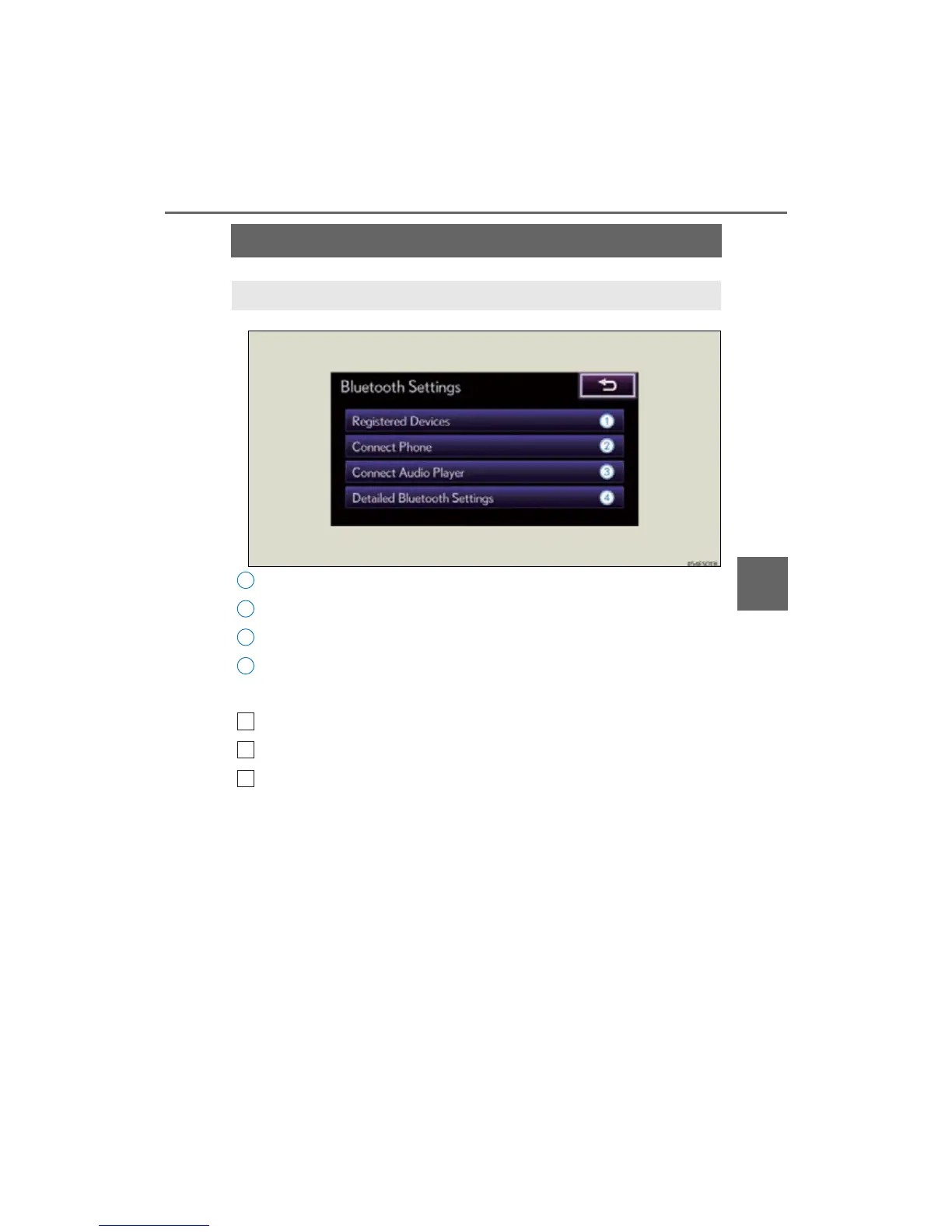
Registered devices settings
Connecting telephone
Connecting audio player
Detailed Bluetooth
®
settings
To display the screen shown above, follow the steps below.
Press the “MENU” button on the Lexus Display Audio controller.
Select “Setup” on the “Menu” screen.
Select “Bluetooth
*” on the “Setup” screen.
*: Bluetooth is a registered trademark of Bluetooth SIG, Inc.
You can set the Bluetooth
®
system to your desired settings.



 To Next Page