ES350_300h_OM_OM33A60U_(U)
349
5-1. Lexus Display Audio system
5
Interior features
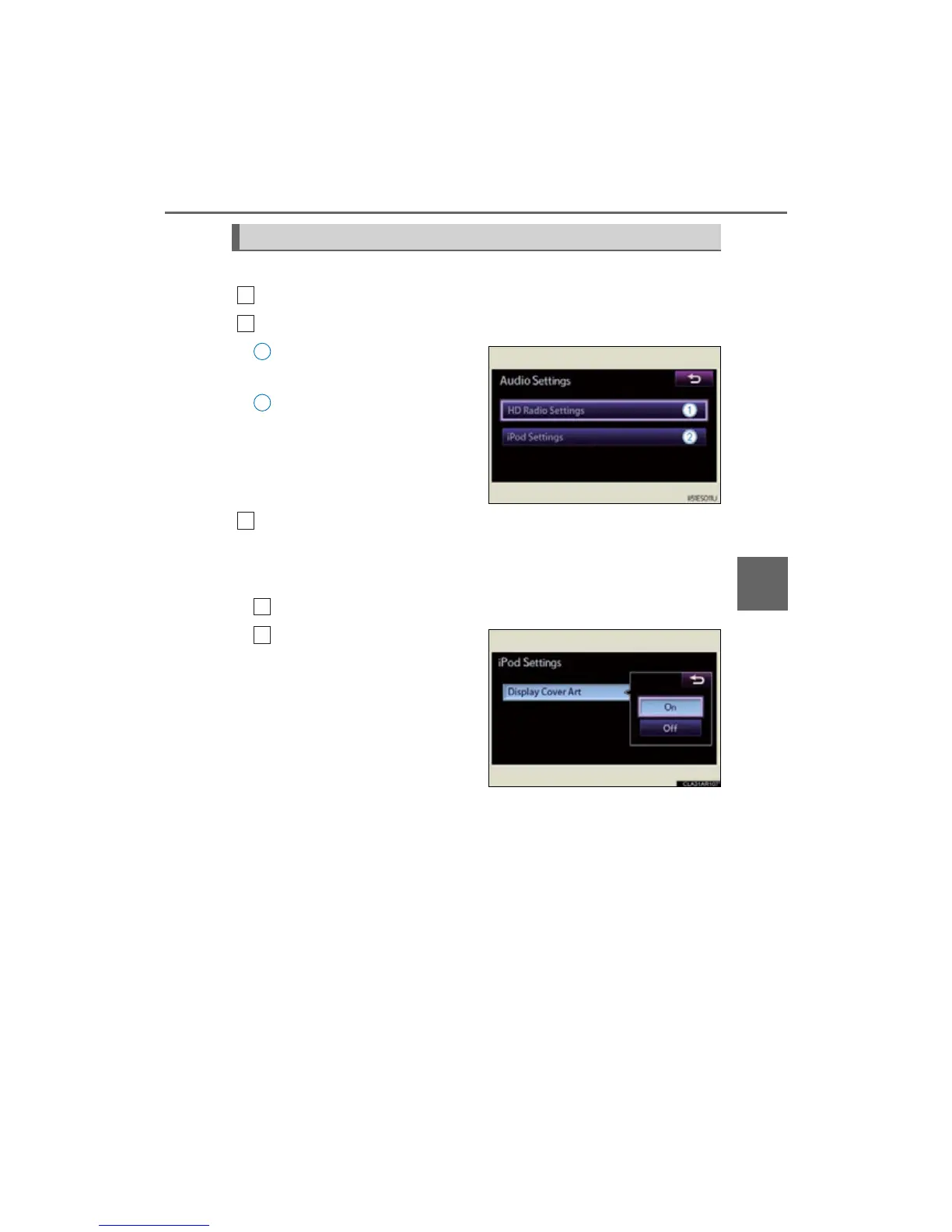
This screen is used for various audio settings.
Display the “Setup” screen. (P. 345)
Select “Audio” on the “Setup” screen.
HD Radio™ technology set-
tings (P. 391)
iPod setting (P. 349)
When you complete settings, select “Save”.
■ iPod setting
This screen is used for iPod setting.
Select “iPod Settings” on the “Audio Settings” screen. (P. 349)
Select “Display Cover Art”.
“On” or “Off” can be selected to
display/iPod cover art in the
screen.
Audio settings
1
2
1
2
3
1
2



 To Next Page