396
ES350_300h_OM_OM33A60U_(U)
5-3. Using the Lexus Display Audio system
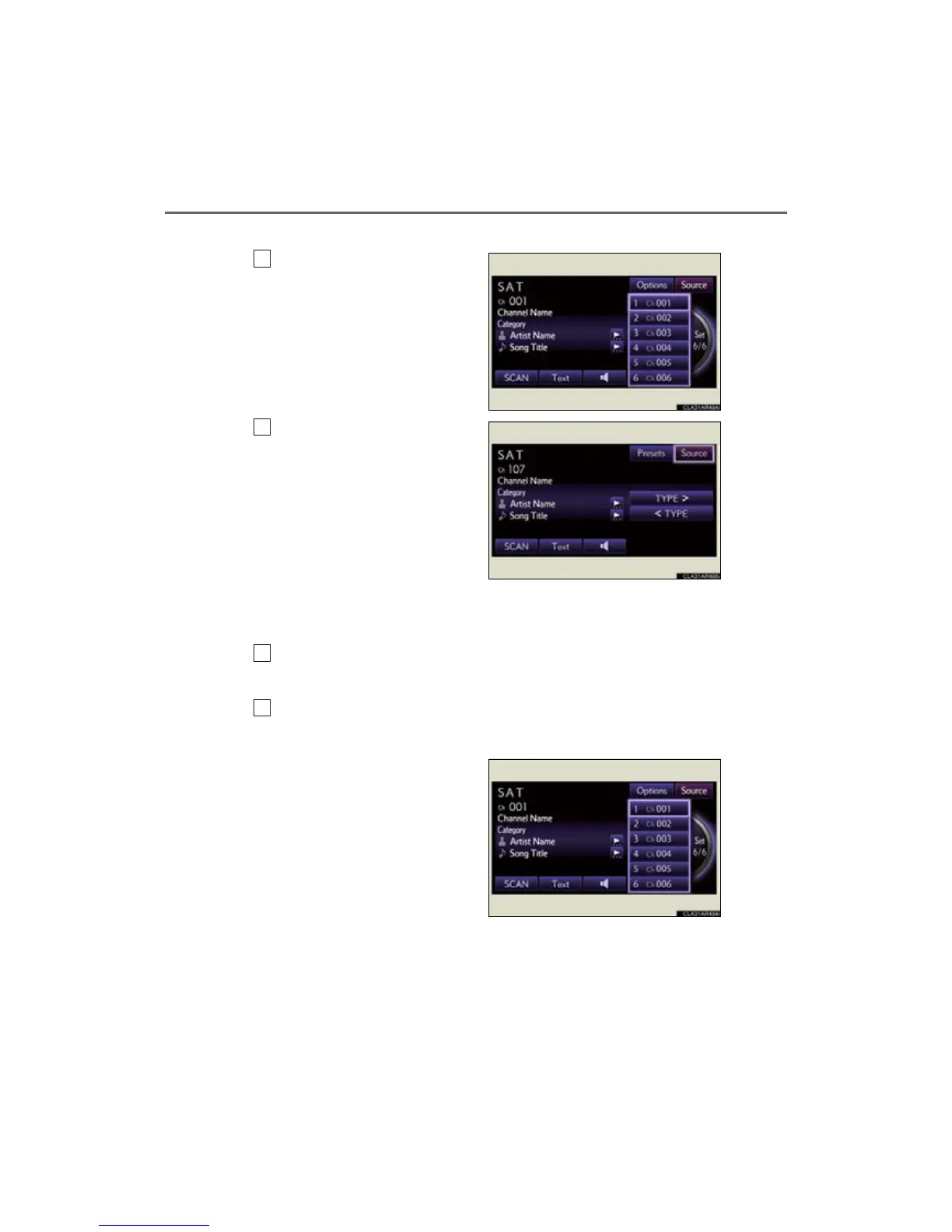
■ Changing the channel category
Select “Options”.
Select “TYPE ” or “TYPE”.
■ Scanning XM
®
Satellite Radio channels
Scanning channels in the current category
Select “SCAN” on the screen.
“SCAN” appears on the screen.
Select “SCAN” once again when the desired channel is reached.
■ Displaying the title and artist name
Select “Text”.
The screen will show up to 64
characters.



 To Next Page