402
ES350_300h_OM_OM33A60U_(U)
5-3. Using the Lexus Display Audio system
■ Selecting a track
Press “” or “” on the “PRST•TRACK” button or turn the
“TUNE•SCROLL” knob to select the desired track number.
To fast-forward or reverse, press and hold “” or “” on the “PRST•TRACK”
button until you hear a beep.
■ Selecting a track from audio control screen
Select or .
To fast-forward or reverse, select and hold or until you hear a beep.
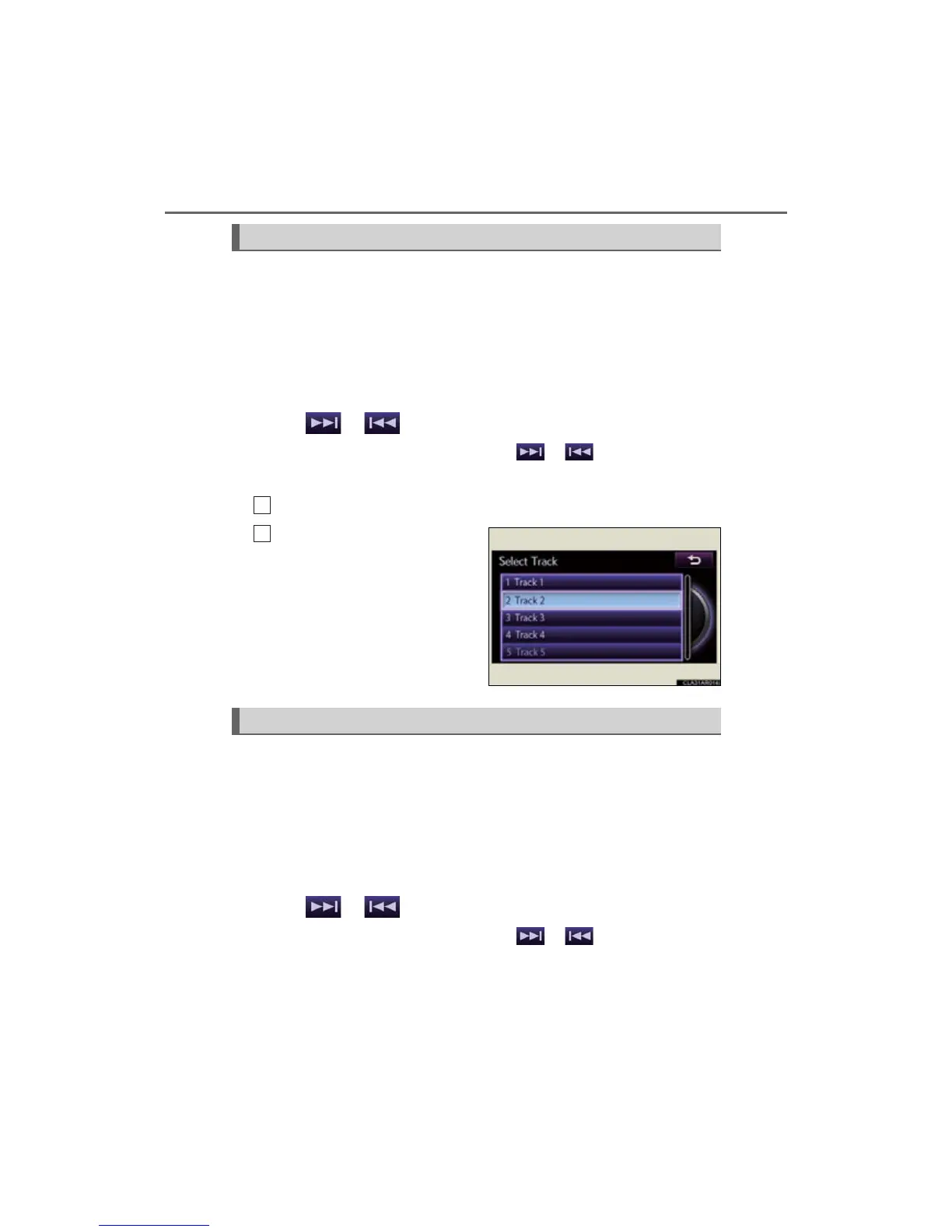
■ Selecting a track from the track list
Select “Tracks” on the screen.
Select the desired track num-
ber.
■ Selecting a file
Press “” or “” on the “PRST•TRACK” button or turn the
“TUNE•SCROLL” knob to select the desired file number.
To fast-forward or reverse, press and hold “” or “” on the “PRST•TRACK”
button until you hear a beep.
■ Selecting a file from audio control screen
Select or .
To fast-forward or reverse, select and hold or until you hear a beep.
Selecting, fast-forwarding and reversing tracks (Audio CD)
1
2
Selecting, fast-forwarding and reversing files (MP3/WMA disc)



 To Next Page