ES350_300h_OM_OM33A60U_(U)
461
5-3. Using the Lexus Display Audio system
5
Interior features
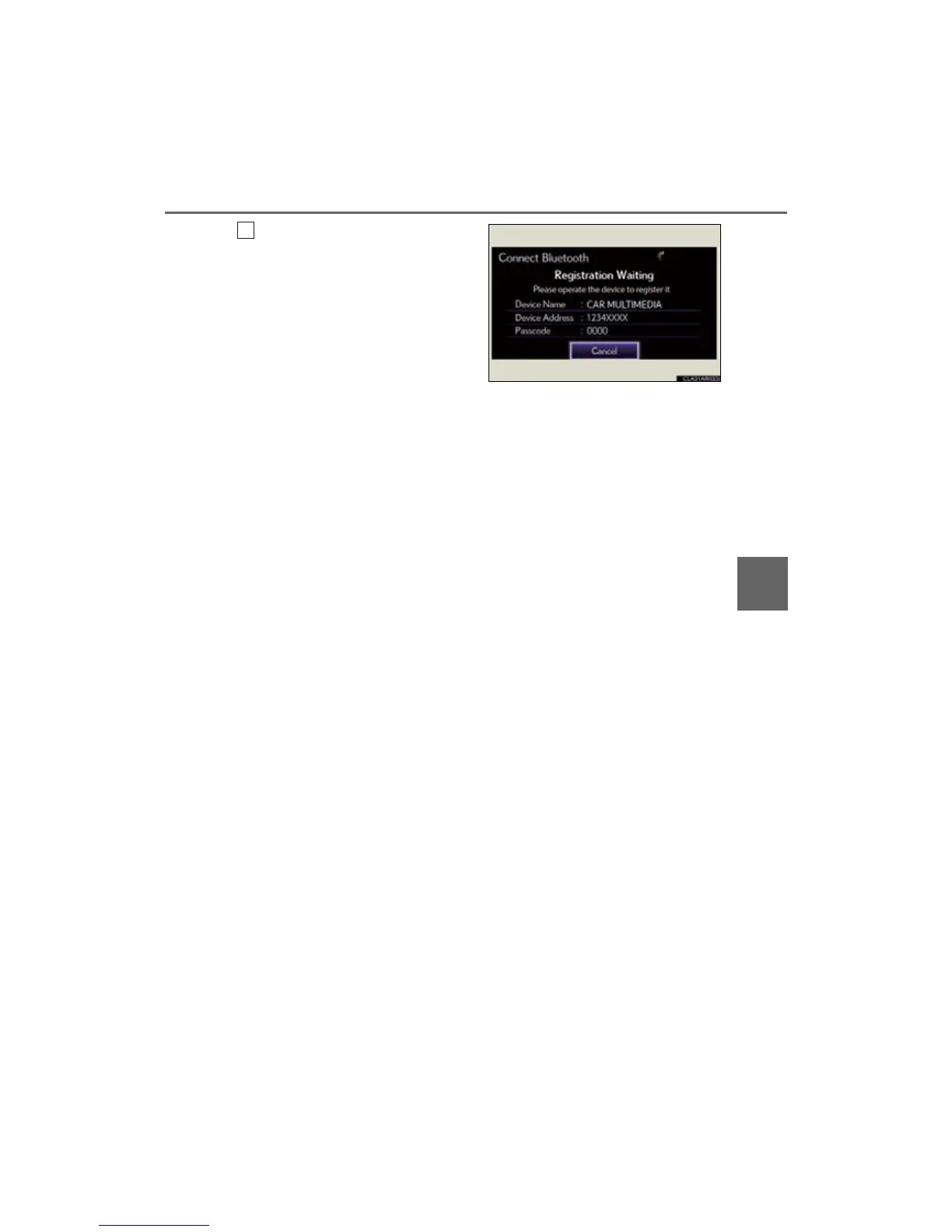
Input the passcode displayed on
the screen into your phone.
For the operation of the phone, see
the manual that comes with your cellu-
lar phone.
Depending on the type of phone, fur-
ther phone operations may be
required after inputting the passcode
(for example to confirm if connection
is to be received or not) when regis-
tering a phone.
Passcodes are not required for SSP
(Secure Simple Pairing) compatible
Bluetooth
®
devices. Depending on
the phone, you may need to select
“Yes” to register, or “No” to cancel on
your cellular phone.
If you want to cancel it, select “Can-
cel”.
If a completion message is displayed,
registration is complete.
If an error message is displayed, follow
the guidance on the screen to try
again.



 To Next Page