464
ES350_300h_OM_OM33A60U_(U)
5-3. Using the Lexus Display Audio system
■ Manual
When the auto connection has failed or “Bluetooth* Power” is turned
off (P. 498), you must connect Bluetooth
®
manually.
*: Bluetooth is a registered trademark of Bluetooth SIG, Inc.
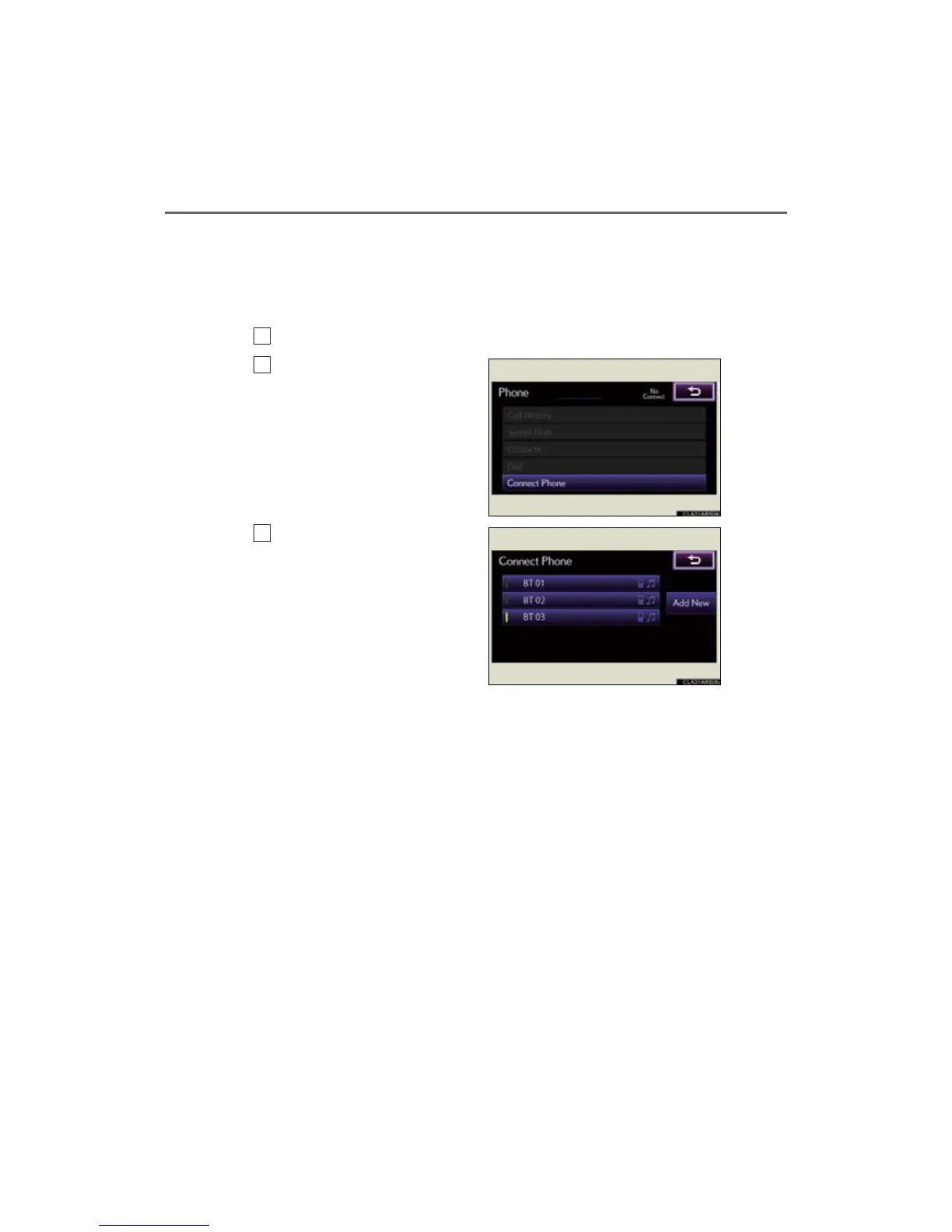
Display the “Phone” screen. (P. 459)
Select “Connect Phone”.
Select the device to connect.
A message is shown if connection
has been successful.
If connection fails, a message will
be displayed and connection will
be re-attempted.
1
2
3



 To Next Page